ТектелияDocumentationSearchРусский
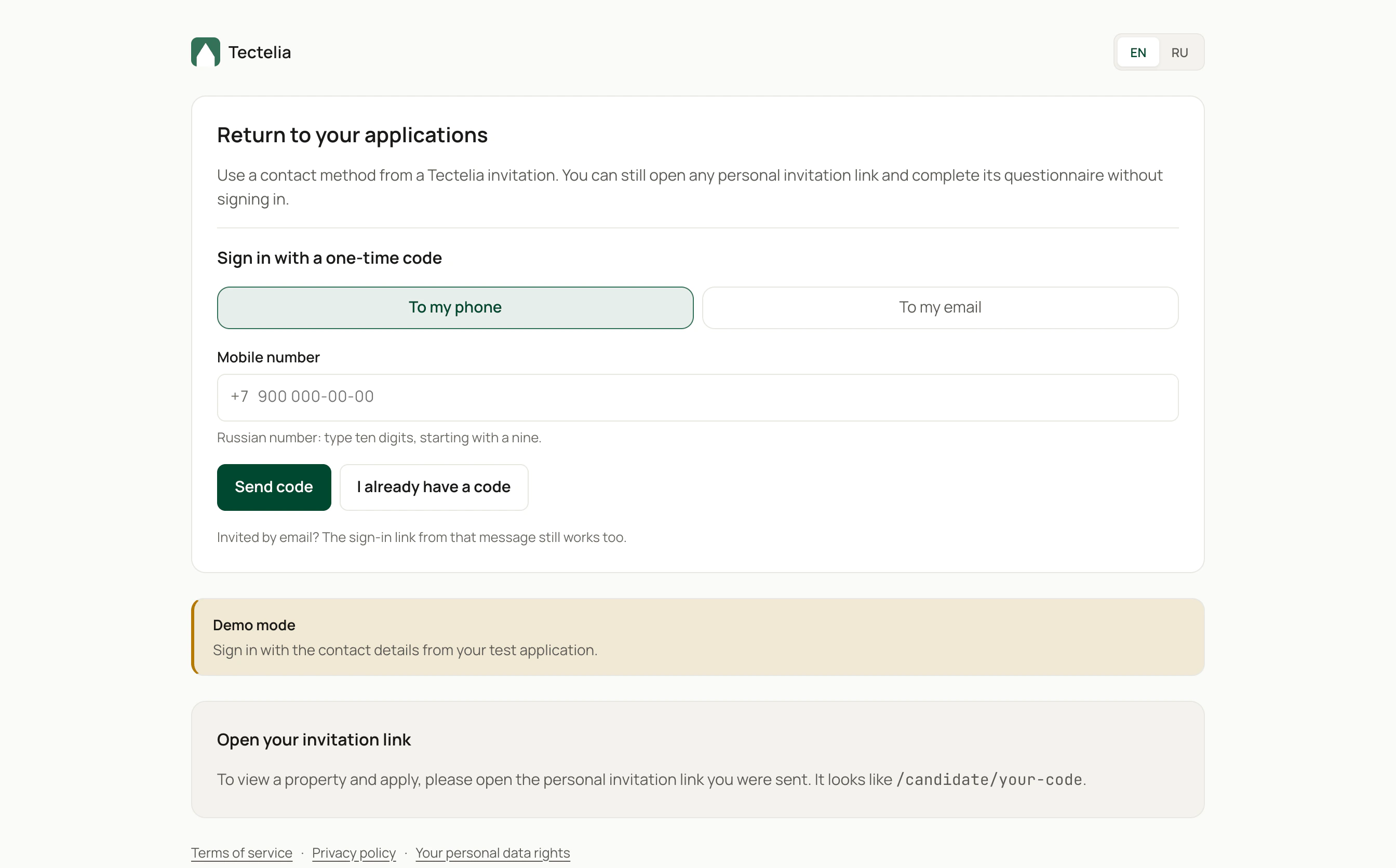
Return to your applications
Your applicant profile brings your offers and their statuses together without having to find every original message.
Applicant portal → Return to your applications
Step by step
- Use an offered sign-in method, such as a one-time code, with the contact used for the invitation.
- Add the offer to your profile where available. Check the property and contact before confirming.
- Open an application to review its status and answers. Return to the list before switching offers.