ТектелияDocumentationSearchРусский
Connect a compatible smart meter
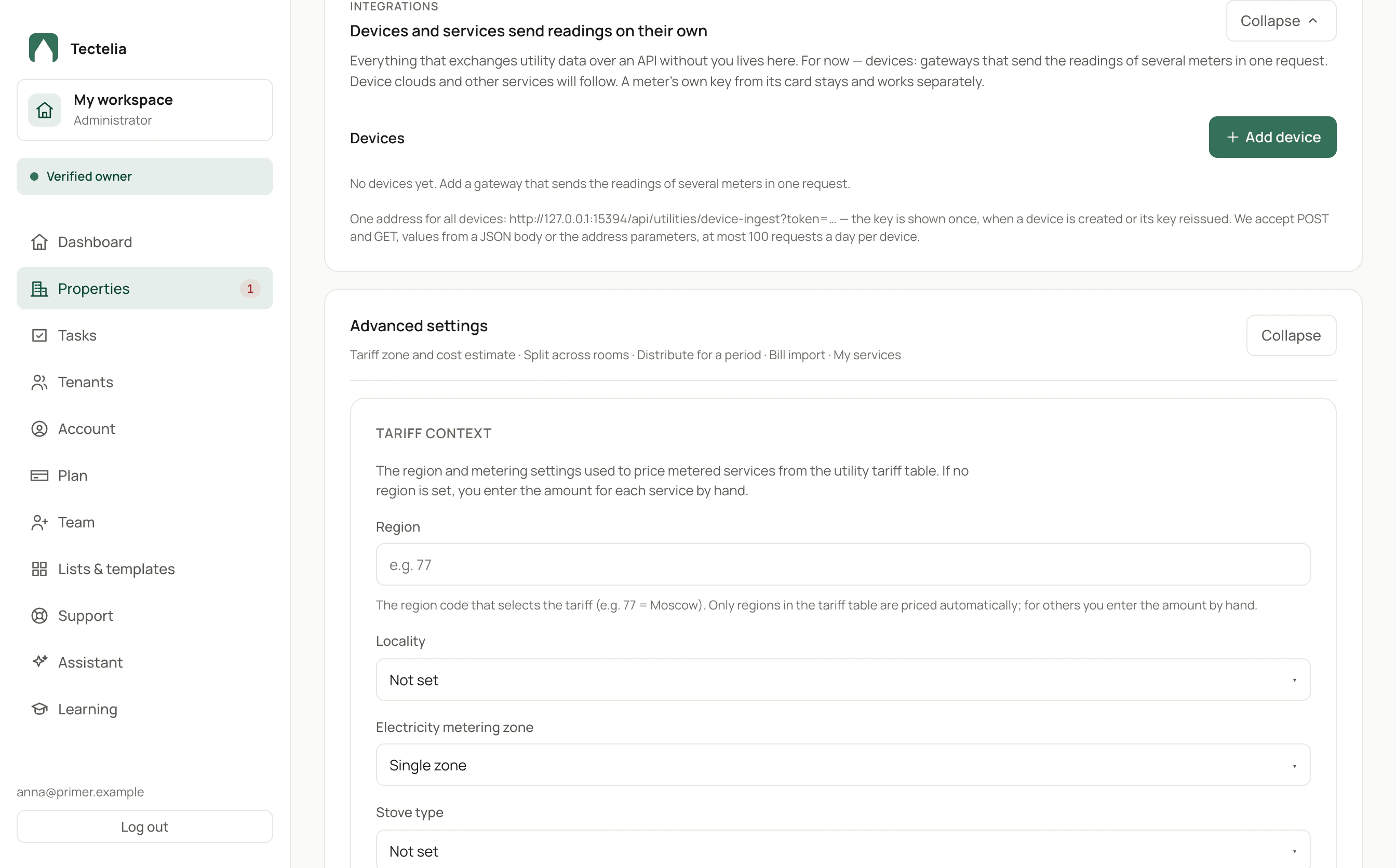
A compatible device or integration can send readings automatically. The chart uses the readings linked to that service.
Property → Utilities → Devices and integrations
Step by step
- Choose a supported connection method and map the device to the correct property's service meter.
- Follow the setup shown on screen. Enter any connection details in the designated settings of your device.
- Check the timestamp and value of the last reading. If nothing arrives, check device connectivity and the meter assignment.