ТектелияDocumentationSearchРусский
Use the task board
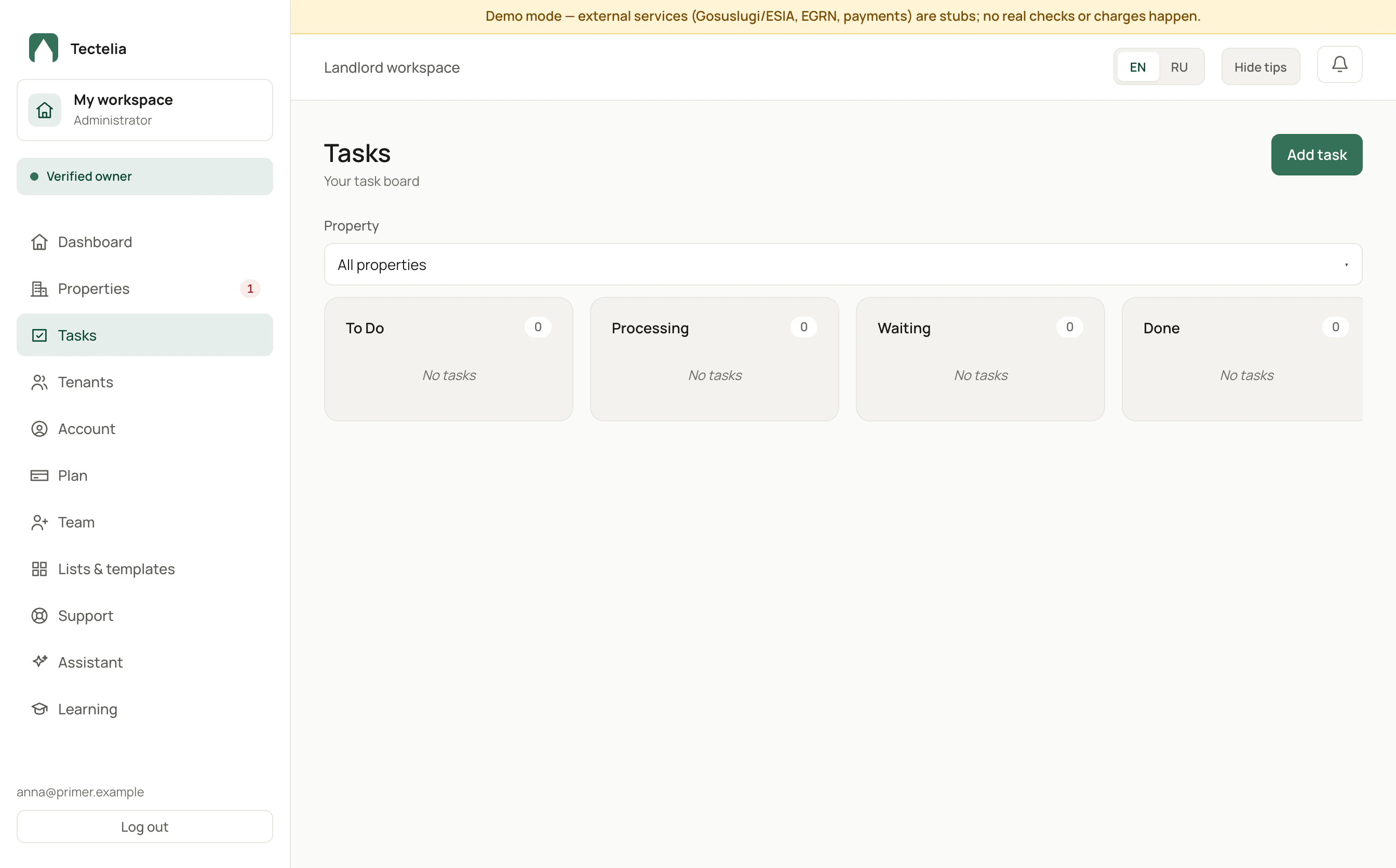
The board brings work from several properties together. Its columns separate upcoming tasks, active work and items waiting for a response.
Main menu → Tasks
Step by step
- Find the task and open its card. Check the property, due date and assignee where shown.
- Update the status when work starts. Use the waiting state while another person needs to respond.
- Check the card appears in the intended column. Open the property's own task view to focus on a single address.