ТектелияDocumentationSearchРусский
Contact platform support
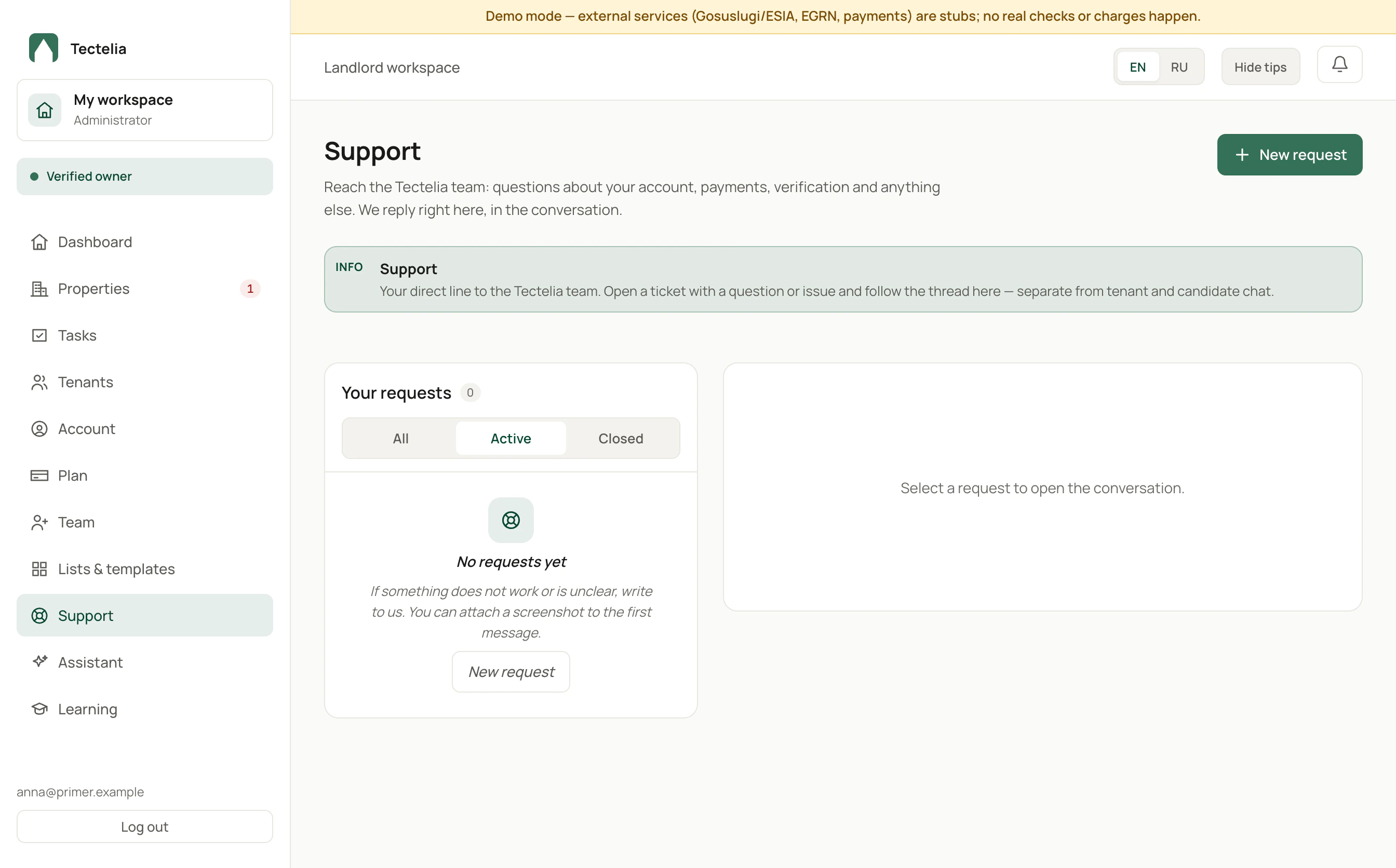
Support handles questions about the portal. Its conversation is separate from applicant and resident chats.
Workspace menu → Support
Step by step
- Open a case and include the portal, screen, time and the result you saw instead of the expected outcome.
- If a screenshot helps, include only the details needed for this case. Check the new record and its status.
- Continue in the same case to keep replies and clarifications together.