ТектелияDocumentationSearchРусский
Submit meter readings and report a bill payment
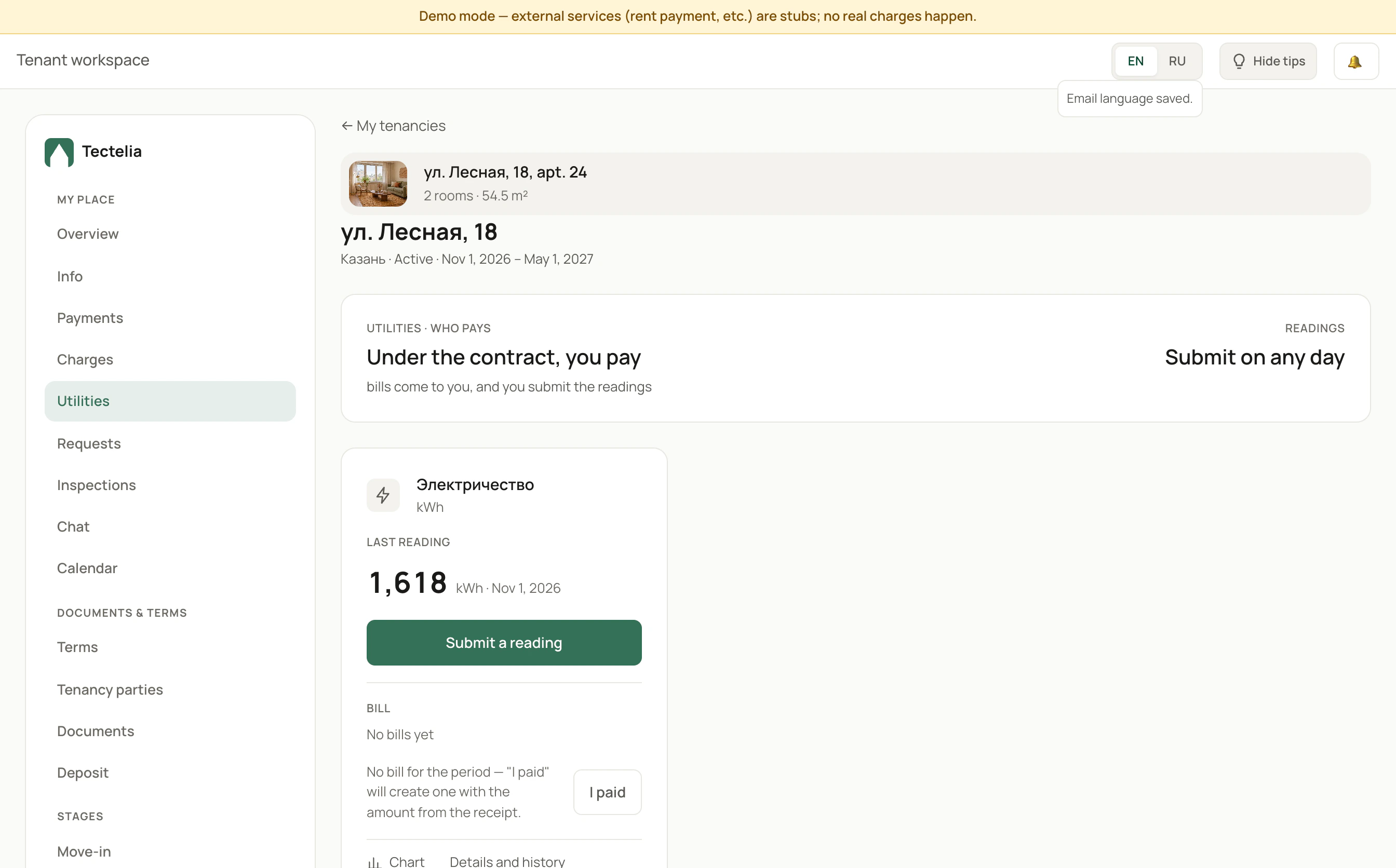
Find the tracked services and who is responsible for each bill. Available resident actions depend on the owner's setup.
My tenancy → Utilities
Step by step
- Choose the service and meter. Enter the reading date and displayed value after checking the previous reading.
- If you are responsible for the bill, pay the supplier by your usual method. Then record the payment and attach evidence in the portal.
- Review the period and history entry. If a utility is included in rent, check the agreement before paying separately.