ТектелияDocumentationSearchРусский
Record a property expense
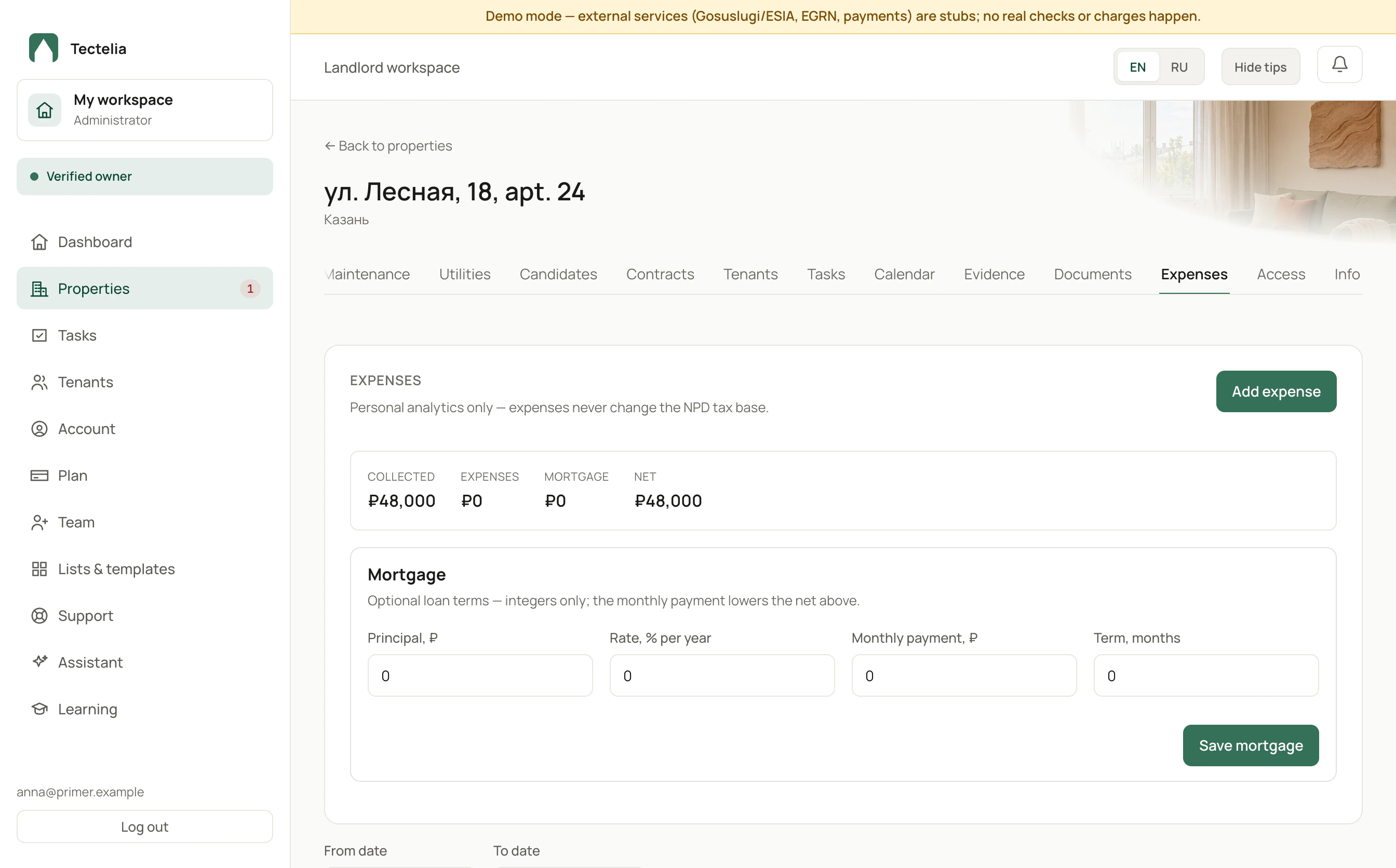
An expense has a property and a date. This lets you distinguish repairs from insurance and reconcile the monthly result.
Property → Expenses
Step by step
- Add an expense, choose its category and enter the transaction date.
- Enter the amount and a note such as “Kitchen tap replacement”. Check the property and month before saving.
- Check the entry and the matching dashboard month. Mortgage payments have a separate figure.