ТектелияDocumentationSearchРусский
Grant or revoke access to a property
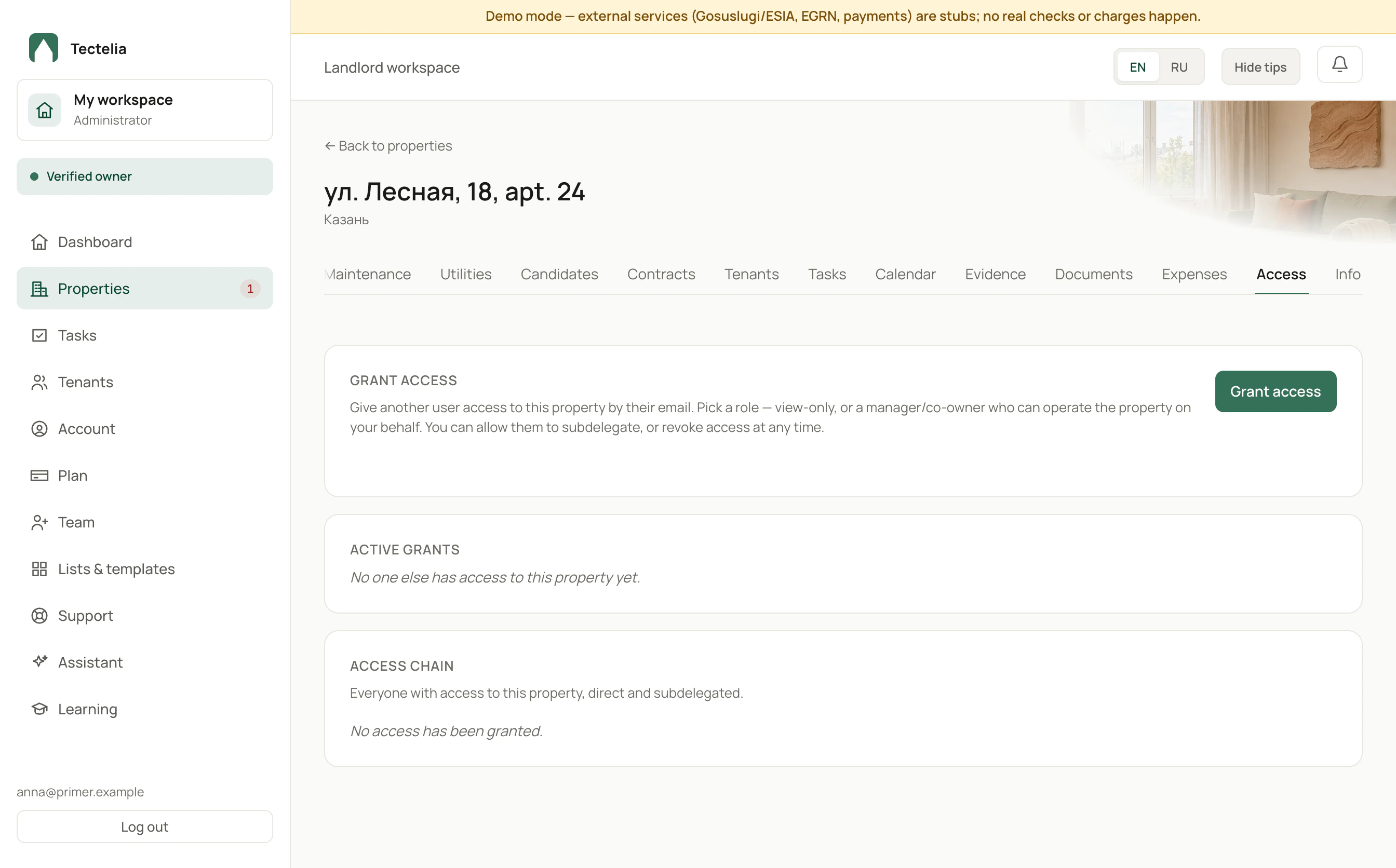
Limit access to one property. The property page shows recipients, active grants and their history.
Property → Access
Step by step
- Open the grant form and check the property address, recipient and role.
- After acceptance, find the active grant and check that the assigned actions match the intended role.
- To end the arrangement, revoke the specific grant and review its history.