ТектелияDocumentationSearchРусский
Enter and check readings
Readings are recorded against a specific meter and date. Residents can submit them and the owner can review the service history.
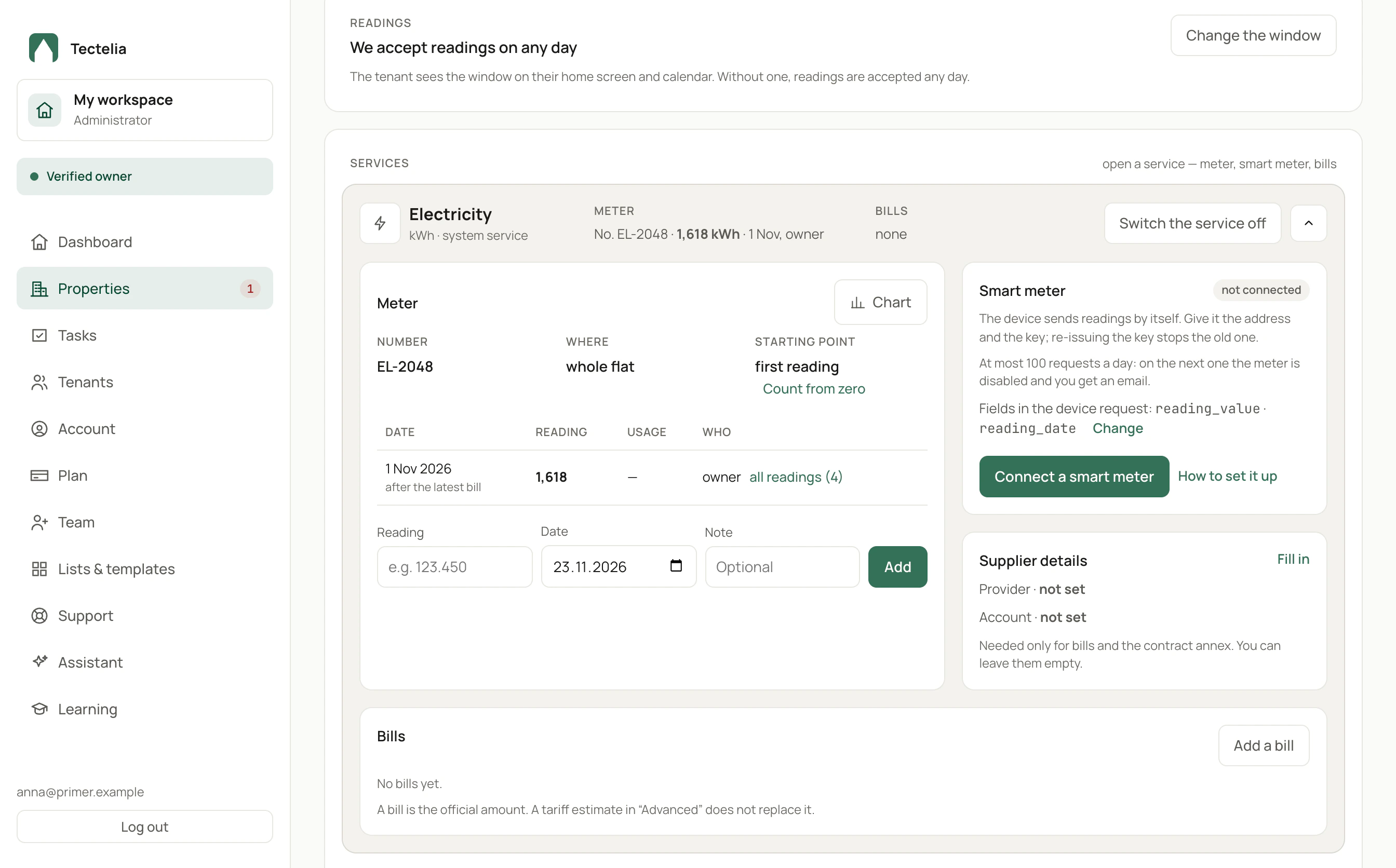
Property → Utilities → service → Meter
Step by step
- Match the meter, unit and most recent reading. If a service has several meters, select the correct one.
- Enter the current meter display and date. If it moved from 1,200 to 1,238 kWh, record 1,238; consumption is the difference of 38.
- Verify the new history entry. Look for an existing resident submission before recording the same reading twice.