ТектелияDocumentationSearchРусский
Manage data and privacy
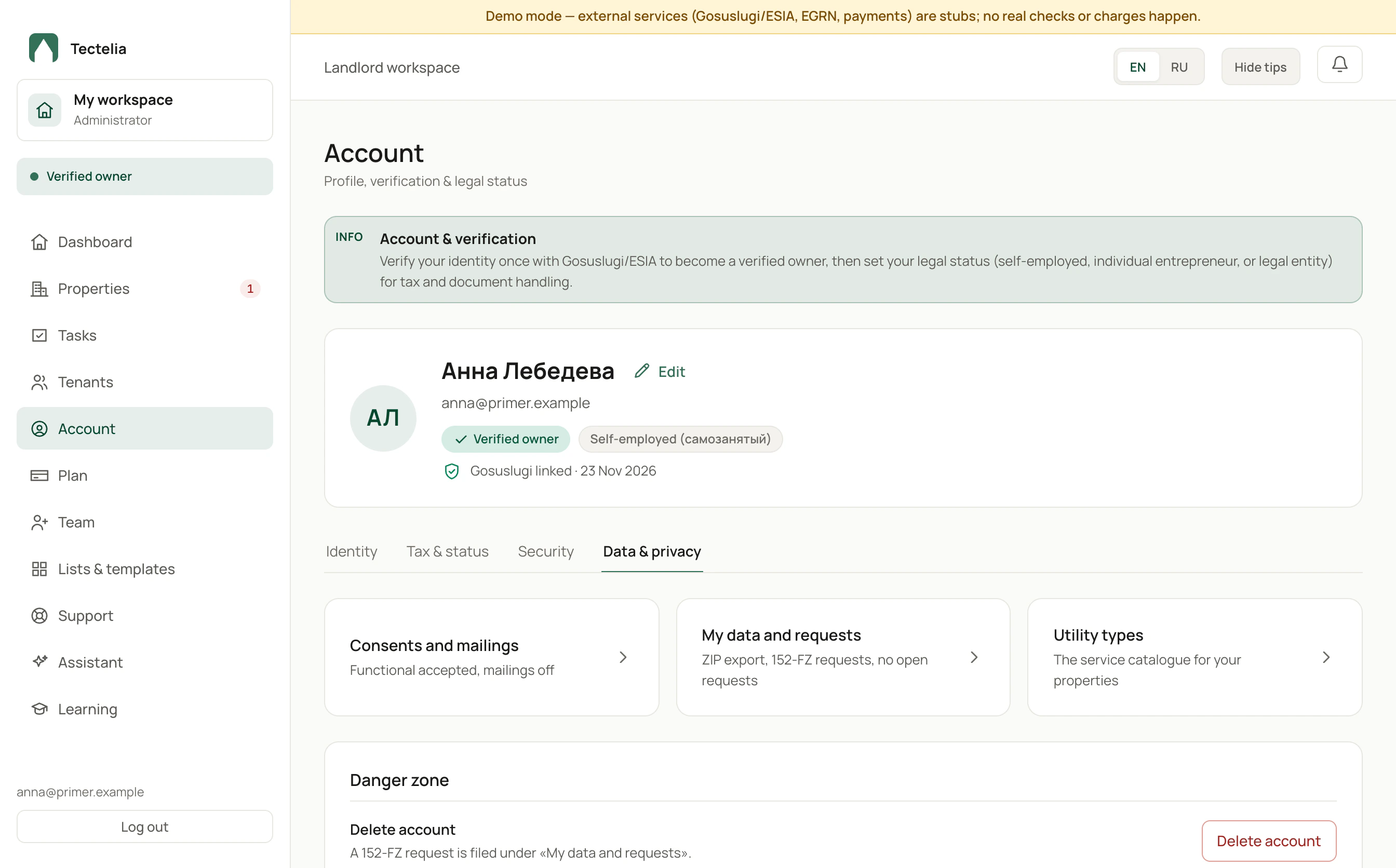
Owners can review consents and available privacy requests. Each request has its own status.
Account → Data and privacy
Step by step
- Review the information and consents shown. Choose the action matching your request, such as requesting a copy.
- Specify the scope, submit the request and keep the reference or find it in your history.
- Return to the request to review its status. Add requested information to the existing case where available.