ТектелияDocumentationSearchРусский
Invite and review applicants
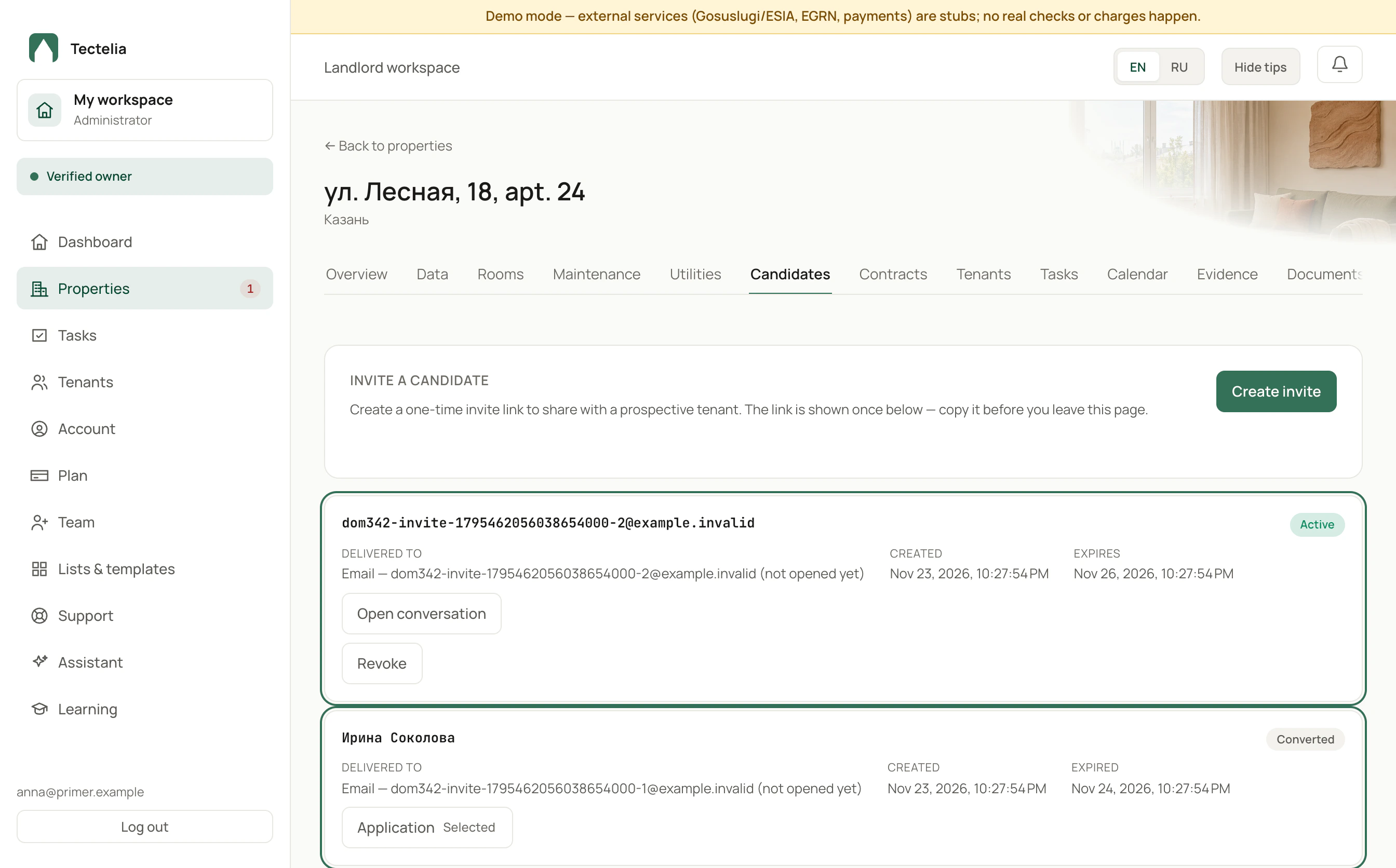
Each invitation belongs to a property or room. The response stays there and can be used to prepare an agreement.
Property → Candidates
Step by step
- Create an invitation and check its expiry. For a room rental, check the room before sharing the link.
- Open the application, review the answers and ask follow-up questions in the applicant conversation.
- Record the decision. Start the contract from the selected application when ready. Issue a new invitation if the old one expires.