ТектелияDocumentationSearchРусский
Compare condition reports
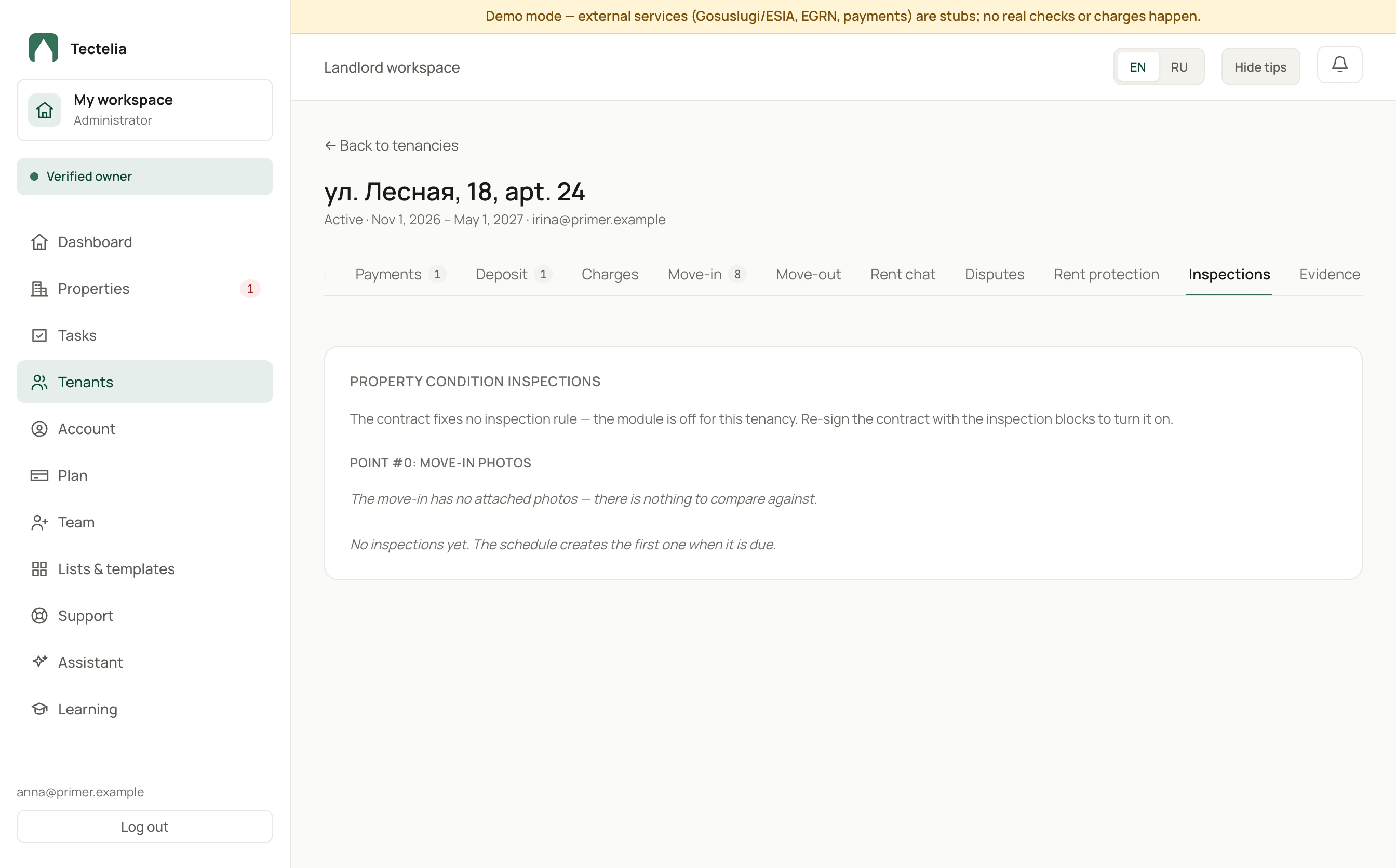
Move-in photos provide a baseline. Later reports make it easier to compare the same part of the property.
Residents → tenancy → Inspections
Step by step
- Review the baseline photos and identify which rooms and angles are covered.
- Arrange a visit or use the available photo report. Compare the same angle across dates.
- Record the findings and follow-up actions. Open a maintenance request where repairs are needed.