ТектелияDocumentationSearchРусский
Include a mortgage in monthly totals
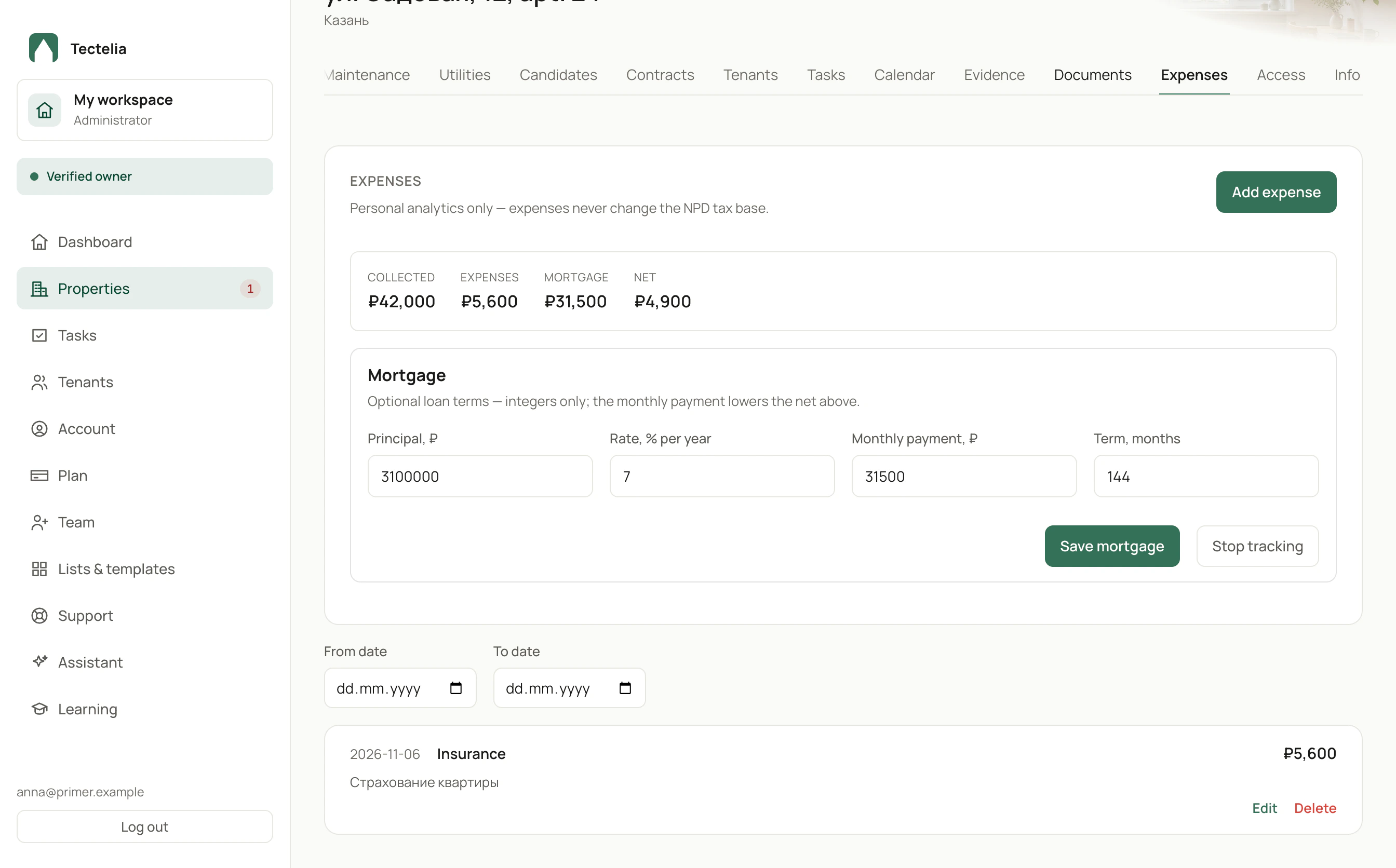
Mortgage details help show the amount left after debt service. A portal entry does not initiate a bank transfer.
Properties → select a property → property finances
Step by step
- Open the mortgage details and compare principal, rate, term and monthly payment with your lender's schedule.
- Save the terms on this property and enter separate terms for any other financed unit.
- Check Mortgage and Net result on the dashboard. Avoid recording the same instalment again as a regular expense.