ТектелияDocumentationSearchРусский
Invite a team into a workspace
Team members work in a chosen workspace. A team invitation and delegation of a specific property are separate operations.
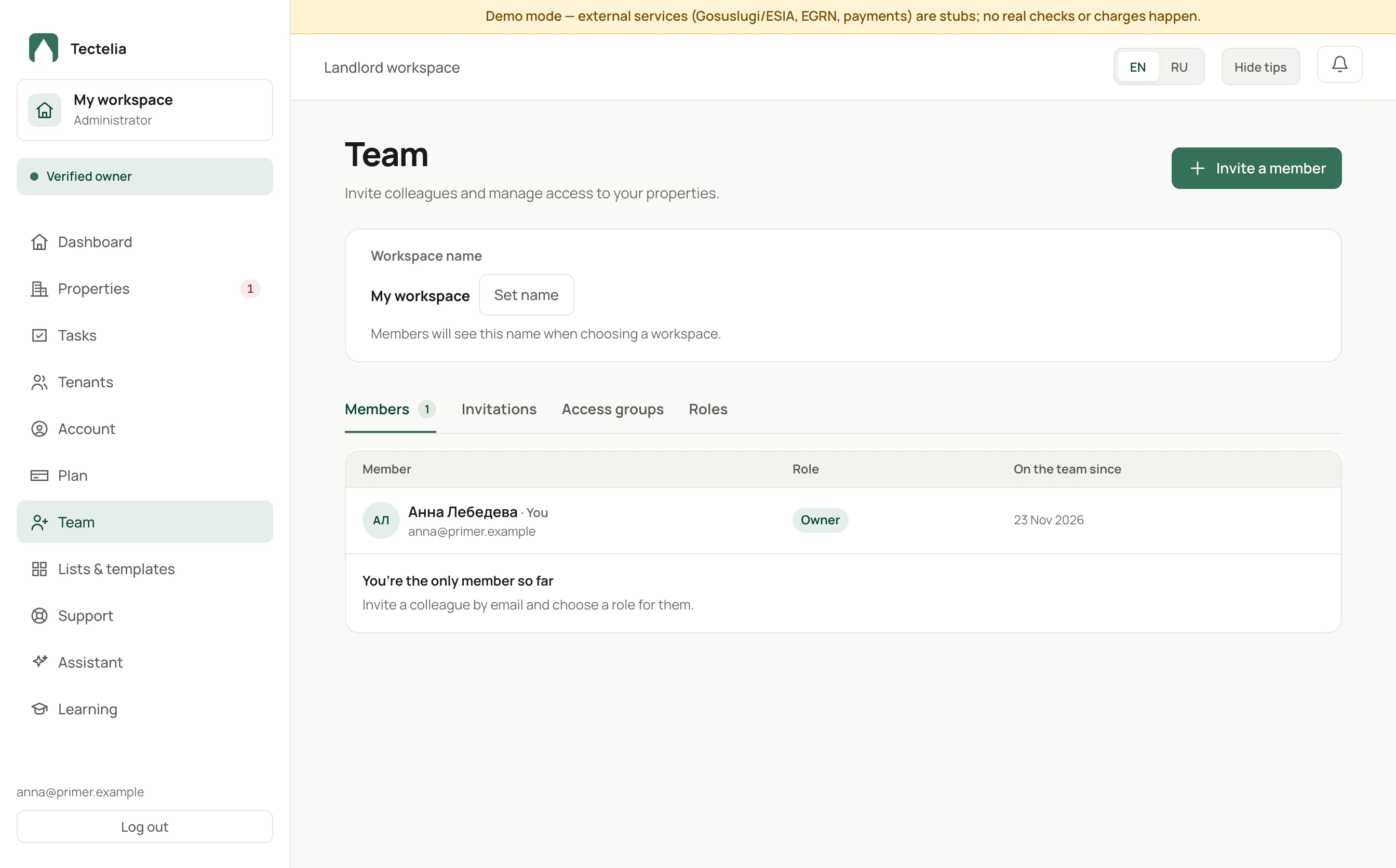
Main menu → Team
Step by step
- Check the workspace name. Create an invitation, choose the recipient and assign the appropriate role.
- Pending invitations remain visible until accepted. Members then use the workspace switcher to open the team.
- Check which properties and actions are visible to the member. Use access groups for sets of properties where available.