ТектелияDocumentationSearchРусский
Bring amounts into a utility calculation
When a linked utility account is available, its amounts can be used in a period calculation. Demo accounts use sample figures.
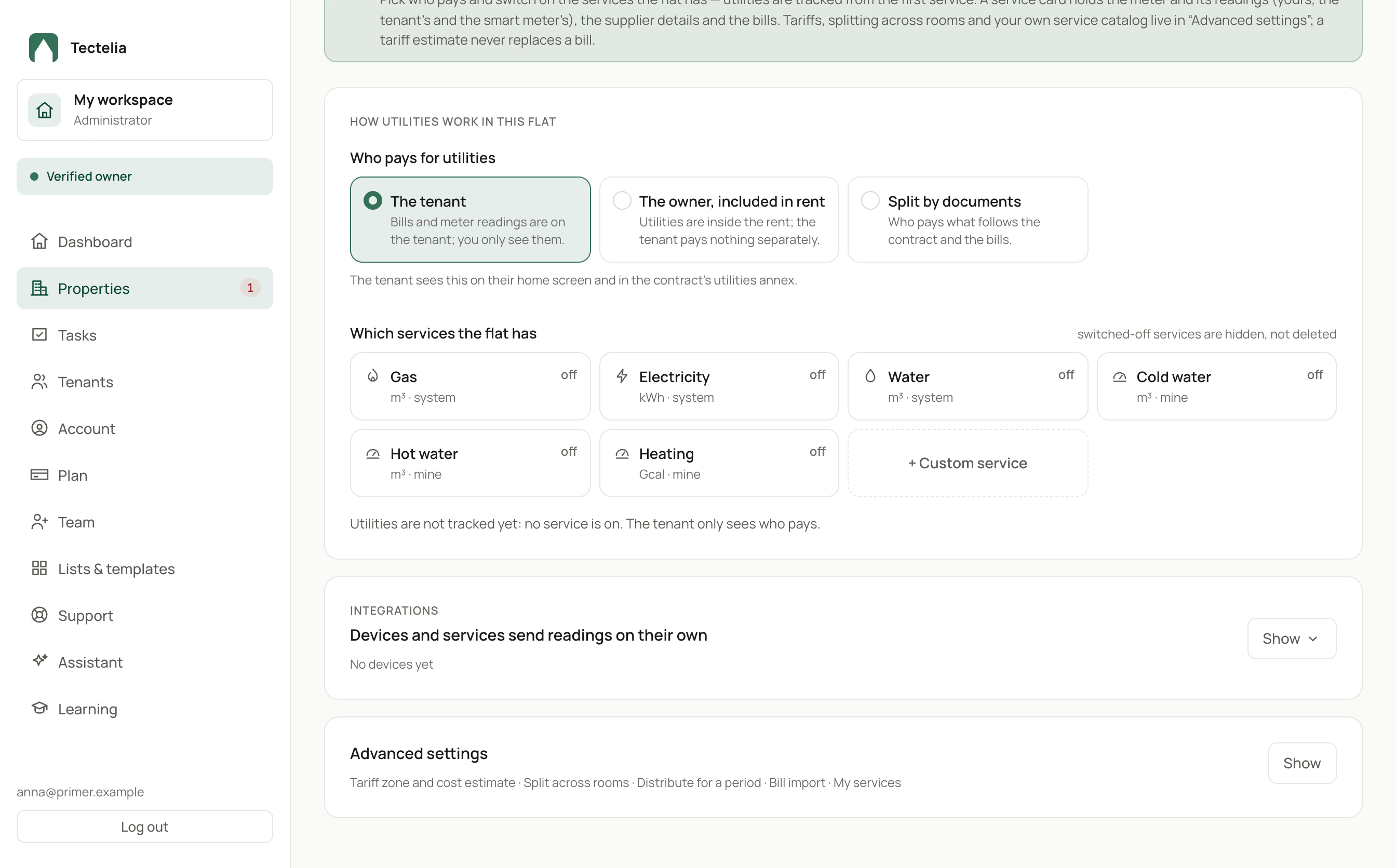
Property → Utilities → Advanced settings → Import
Step by step
- Select the period and utility account for this property. If no account appears, check the link or enter the bill figures manually.
- Run the import and compare both the total and the service lines with your bill. Use the same account and period when checking it again.
- For a room rental, review the proposed amounts in the allocation screen. Confirm room charges as a separate step after reconciliation.