ТектелияDocumentationSearchРусский
Review security and active sessions
Review your portal sessions, particularly after using a shared computer.
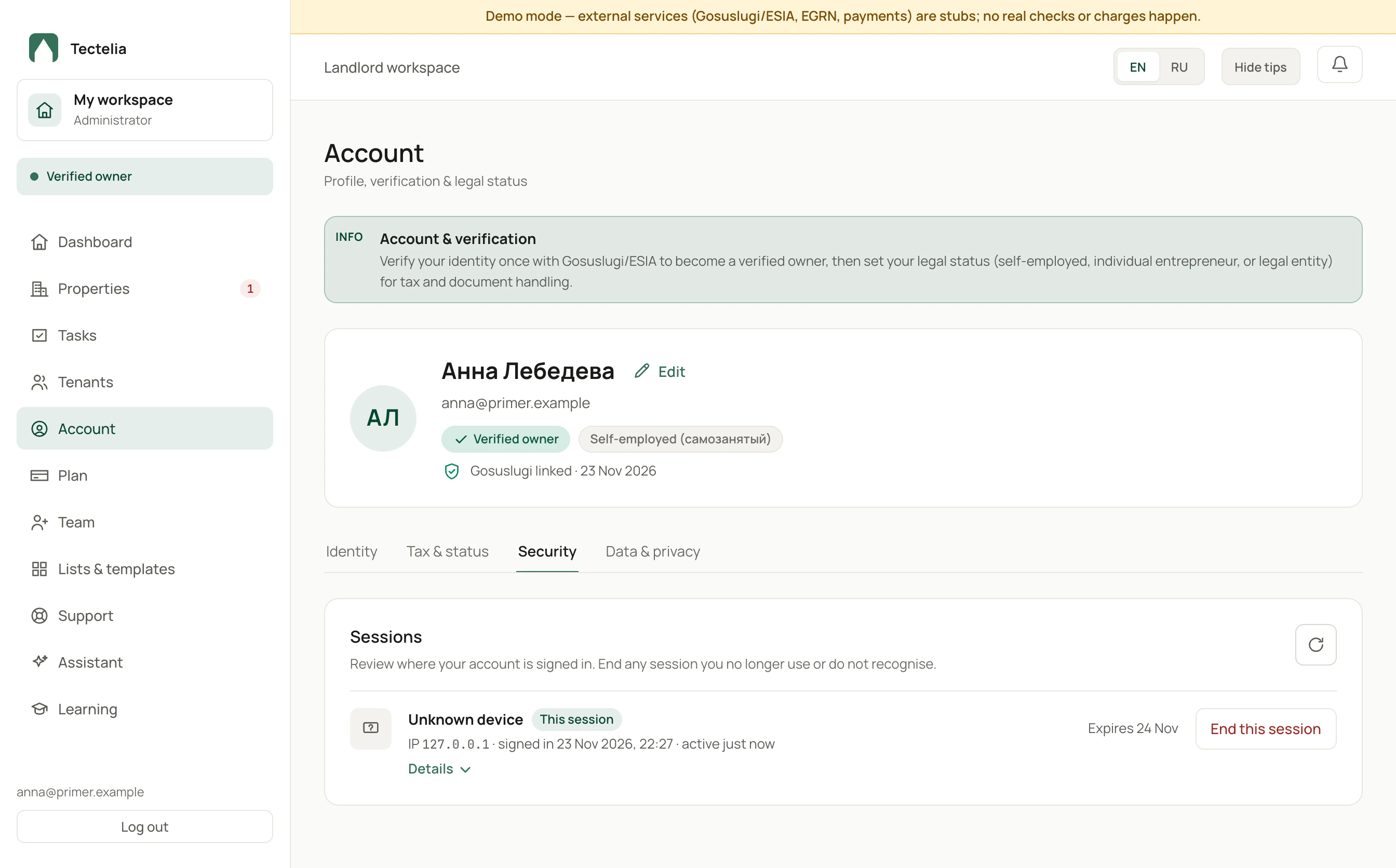
Account → Security
Step by step
- Open the session list, identify the current one and review the available device and time details.
- End a session which is no longer needed. Ending your current session requires a fresh sign-in.
- If you have lost account access, use recovery from the sign-in page.