ТектелияDocumentationSearchРусский
Check the tariff and billing period
The estimate shows how the amount was calculated. A whole-property rental and a room-by-room rental use that estimate differently.
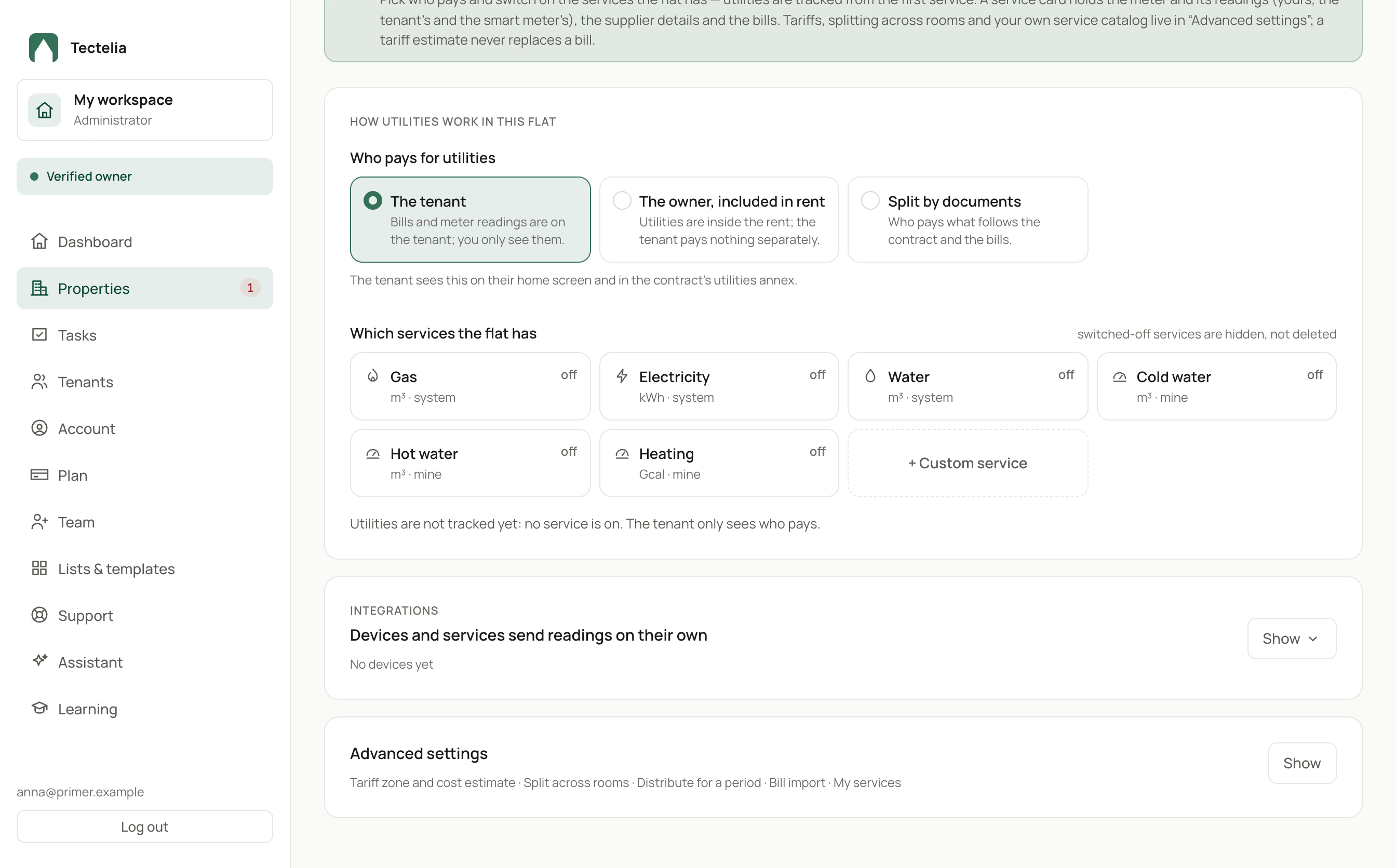
Property → Utilities → Advanced settings
Step by step
- Check which services and dates the rates cover. Match the units to both the meter and the bill.
- Select the billing period for a whole property. For room rentals, open allocation and review the estimate for that same period.
- Compare the estimate with the issued bill. Before charging residents, check which services their rent already includes.