ТектелияDocumentationSearchРусский
Check your plan and limits
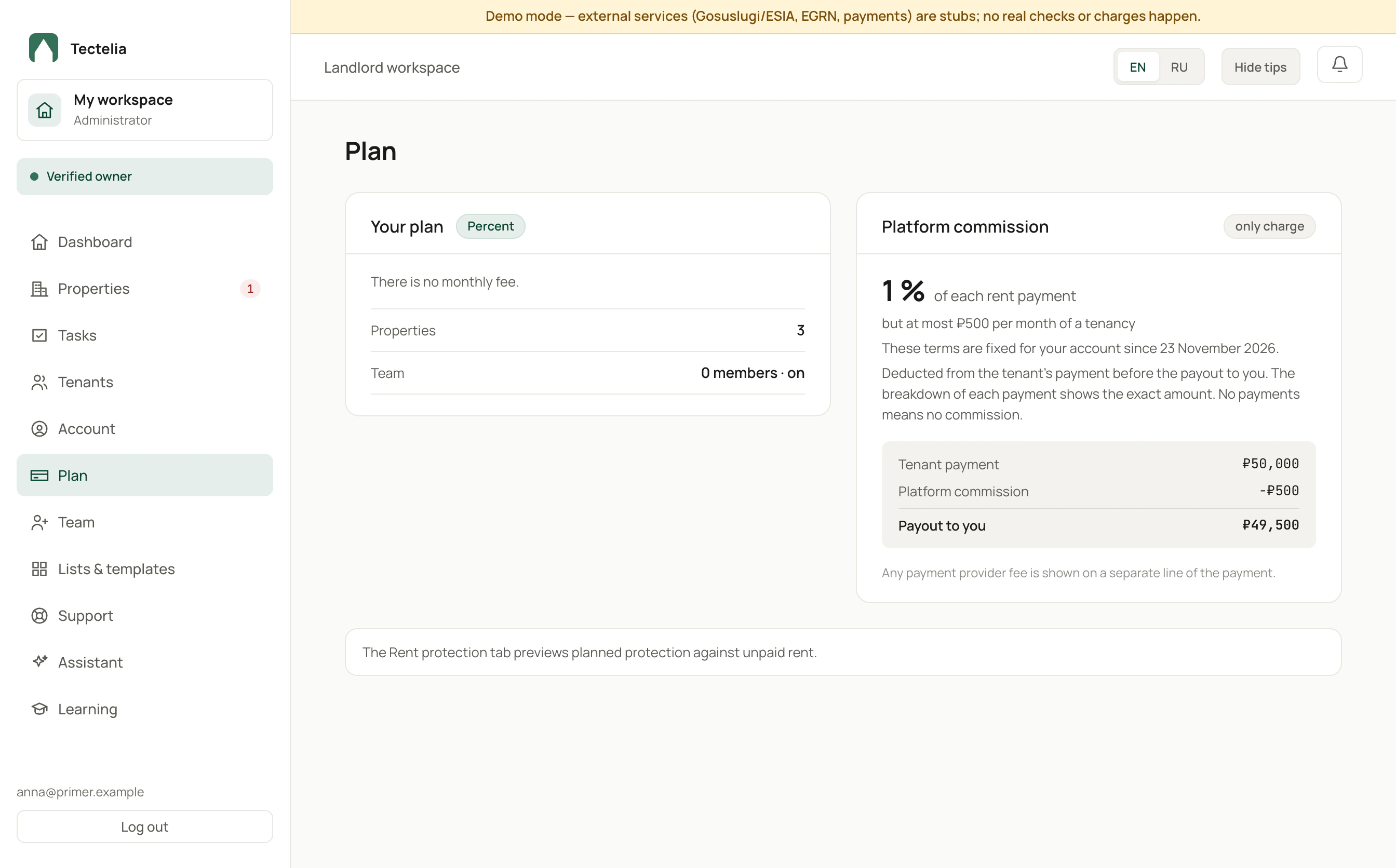
The plan page shows the workspace's current terms, pricing and options. Review it before expanding your portfolio.
Main menu → Plan
Step by step
- Review the current plan, period and displayed limits against the number of properties and team members.
- Open the relevant option and review the final terms before confirming. External charges are simulated on the development site.
- Return to subscriptions and check the active plan and next scheduled event after any change.