ТектелияDocumentationSearchРусский
Set up utility tracking
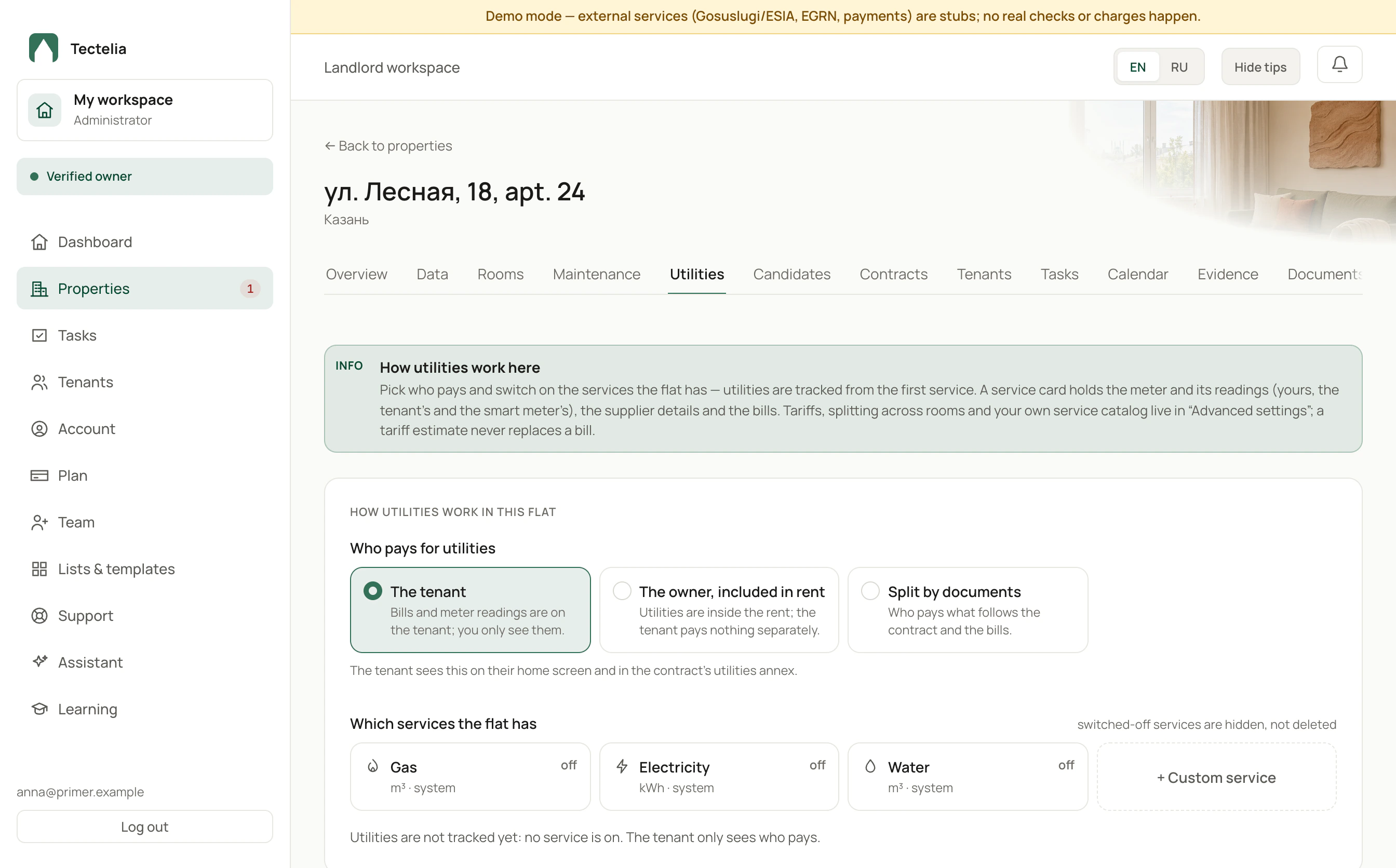
Define the services at the property and assign responsibility. The portal records readings, bills and payment evidence. In-portal settlement with utility suppliers is in development.
Property → Utilities → Who pays
Step by step
- Choose the arrangement: the resident pays, utilities are included in rent, or responsibilities are divided under the agreement.
- Enable the services present at the property. Add a custom service and supplier details where needed.
- Open the service card. Prepare an initial reading for a meter or a billing period and amount for an invoice. Check what the resident can submit.