ТектелияDocumentationSearchРусский
Read the rent schedule
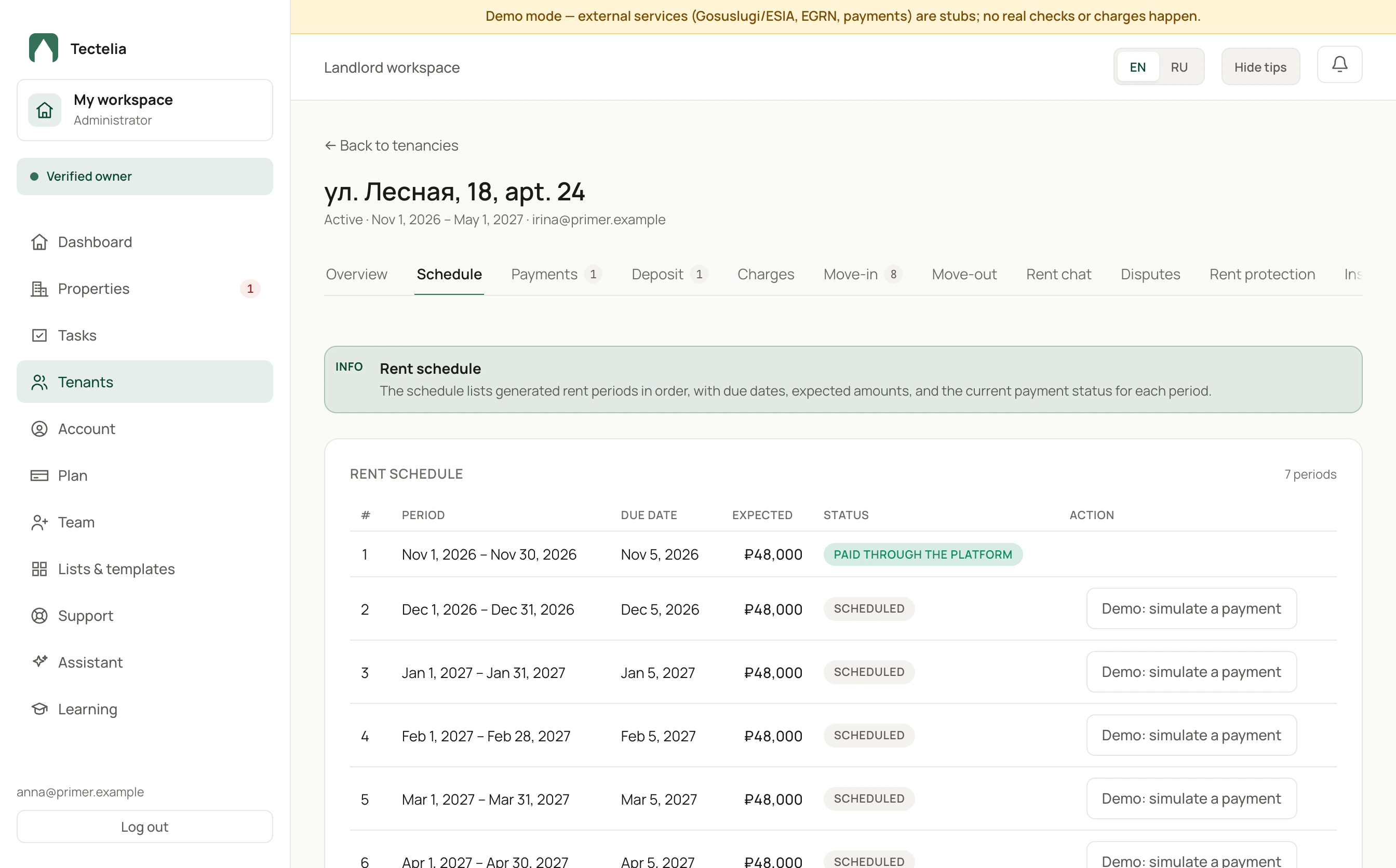
Each row belongs to one rental period. Its due date and the date funds arrived can differ.
Residents → tenancy → Schedule
Step by step
- Find the period by date, then check the amount, due date and status. Compare the same period in both portals.
- For an overdue period, look for a resident-reported transfer or a separate payment record.
- Open the transaction details and confirm receipt only after checking the money arrived.