ТектелияDocumentationSearchРусский
Set up an owner profile
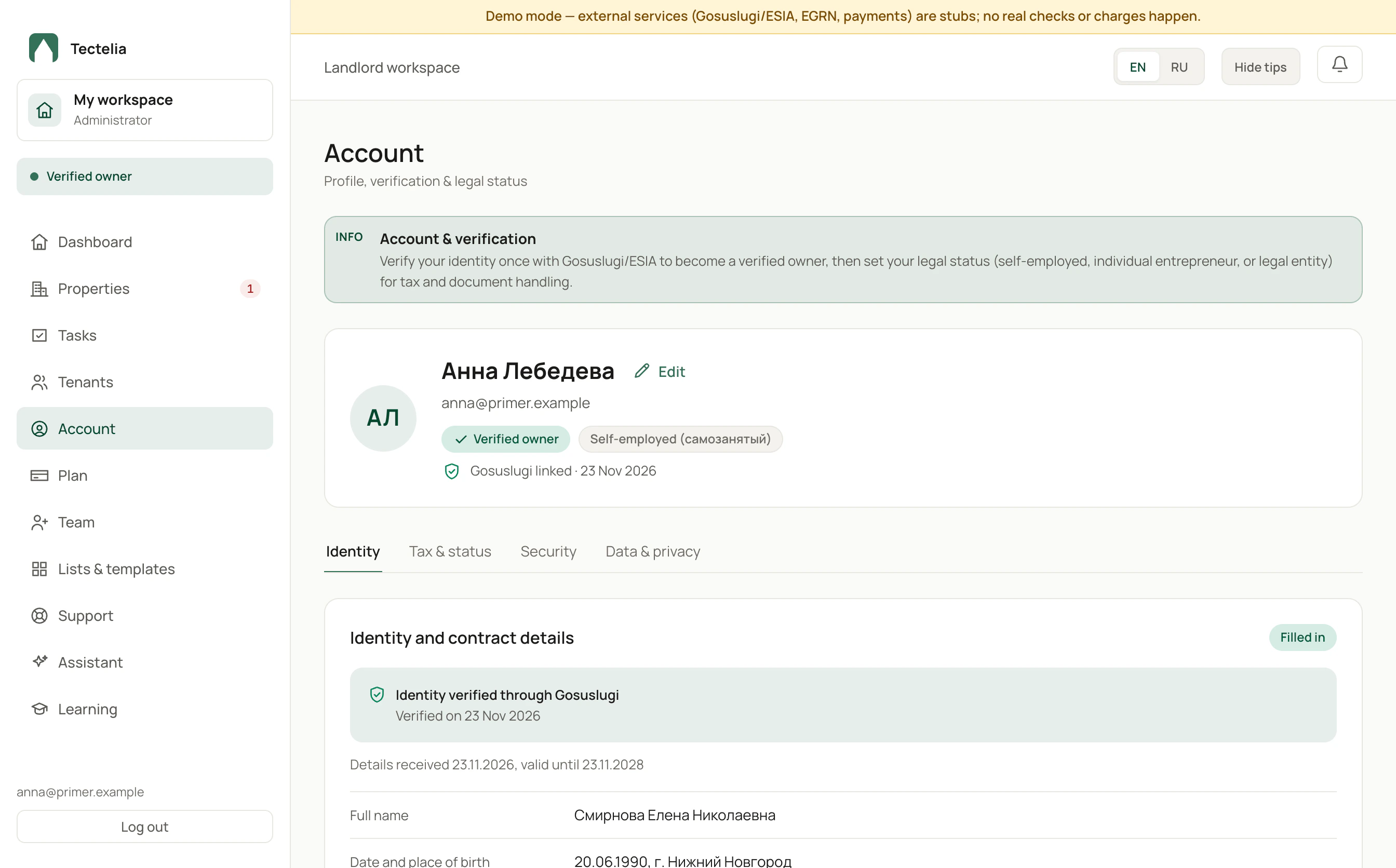
The profile brings together owner details and verification status used in the portal's contract workflows.
Main menu → Account → Identity
Step by step
- Check your name and contact details. Correct errors before preparing a new agreement.
- Check the verification status. Evidence of ownership is reviewed in each property record.
- Use the account tabs for legal status, active sessions or personal data requests.