ТектелияDocumentationSearchРусский
Practise in an interactive lesson
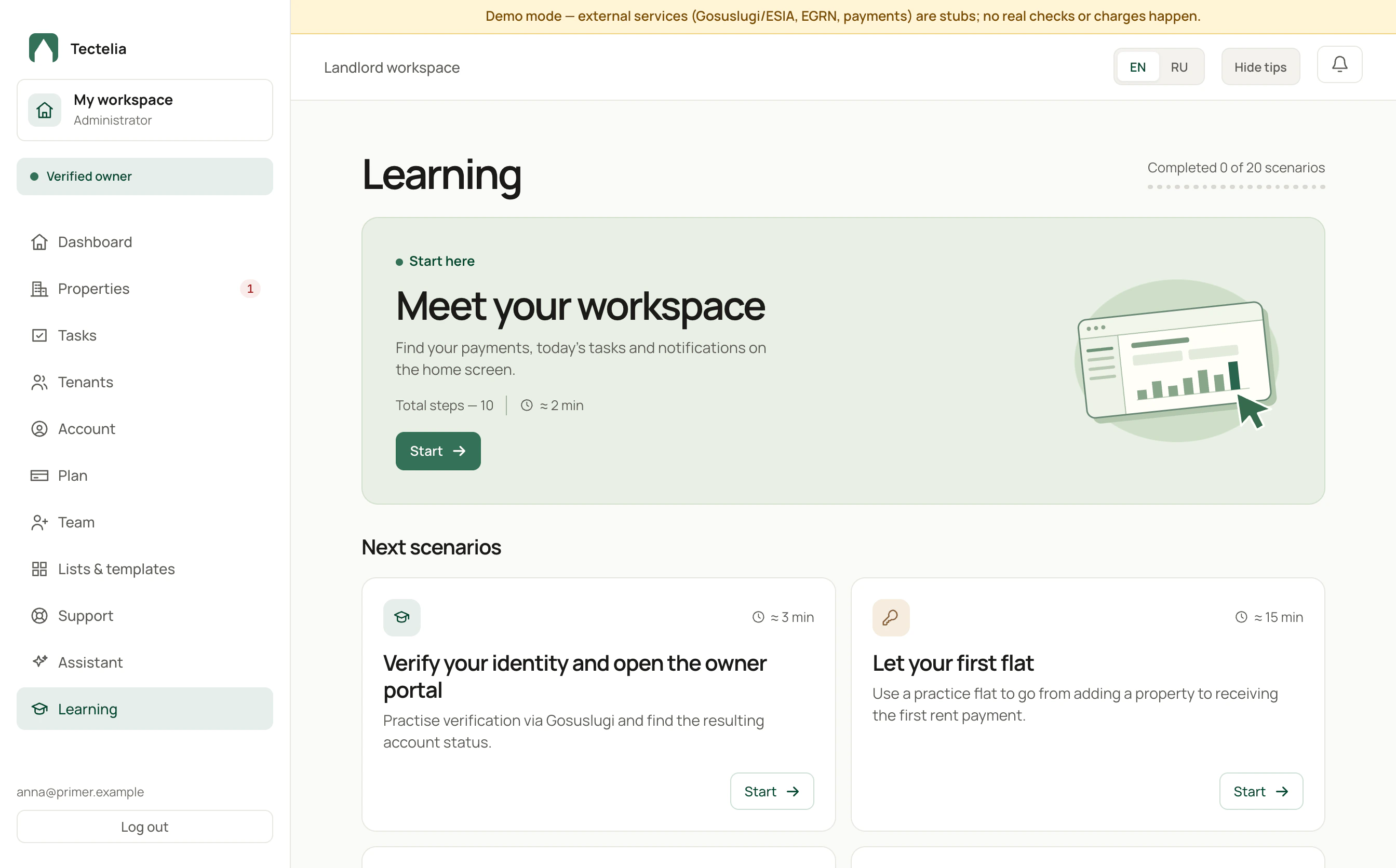
Lessons guide you through the actual portal. Practise setting up a tenancy, reconciling rent, handling a deposit or working with a meter.
Main menu → Learning
Step by step
- Choose a scenario by the task you want to learn. Its card shows a description and the available duration or step count.
- Read the prompt and use the highlighted control. Where offered, prepare the example to create practice data for the step.
- Choose Later to pause, then return to Learning and select Continue. A completed scenario is marked in the catalogue.