ТектелияDocumentationSearchРусский
Pay rent or report a transfer
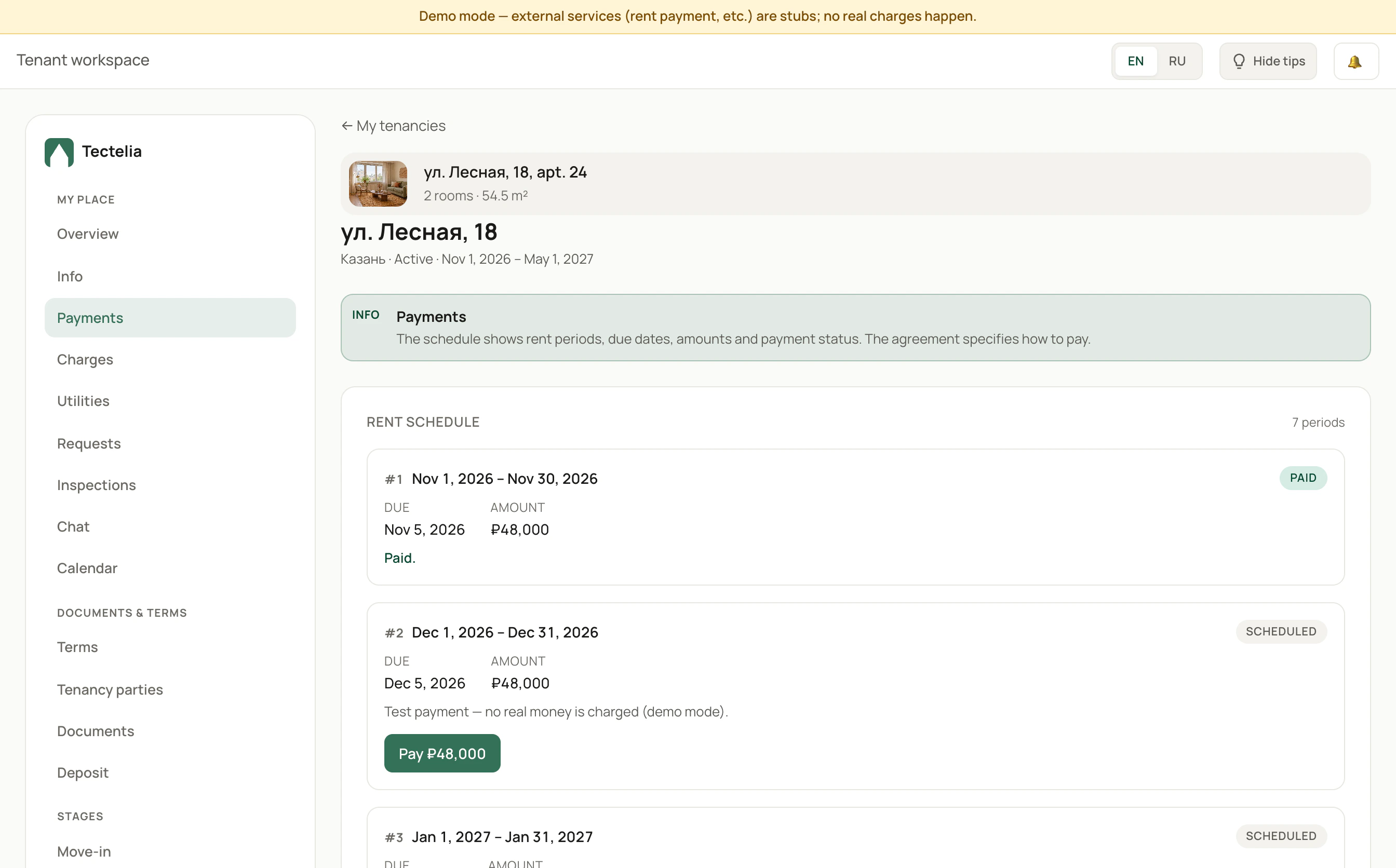
The schedule shows periods, amounts and the methods enabled for your lease. A direct bank transfer follows a different flow from online checkout.
My tenancy → Payments
Step by step
- Select the period and amount. For online payment, open checkout and check the result when you return.
- For a direct transfer, pay using the agreed details. Then report the transfer and attach evidence where requested.
- Review the status. If confirmation is pending, check the amount and period with the owner before paying again.