ТектелияDocumentationSearchРусский
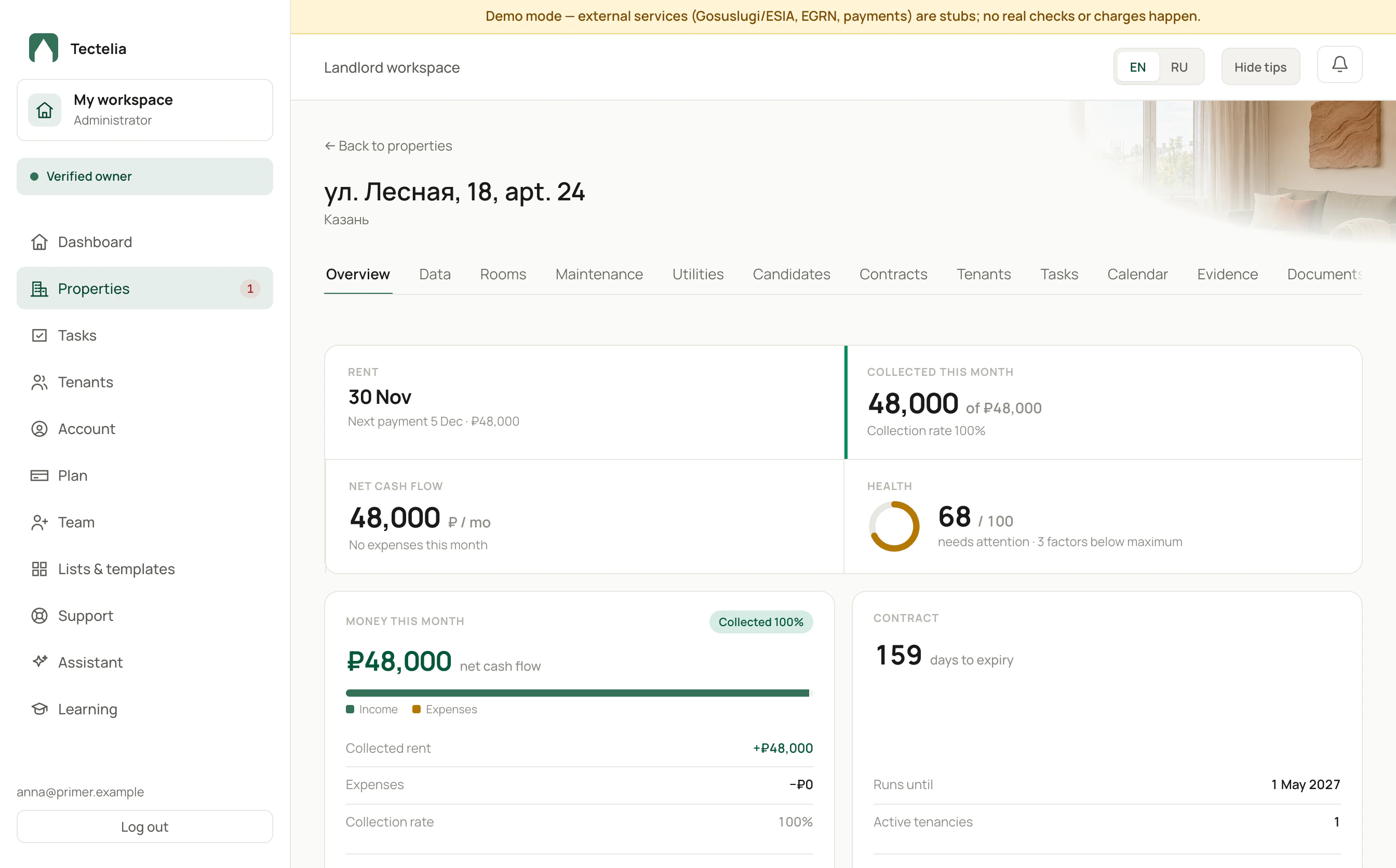
Read a property's overview
The overview brings one property's widgets together and points you to the underlying records.
Properties → select a property → Overview
Step by step
- Check the address at the top, then review occupancy and outstanding work.
- Follow a figure into its section. Rent schedules belong to a tenancy, while meter readings belong to property utilities.
- Return to the overview after an update. If a figure is empty, check whether its underlying lease, periods or records exist.