ТектелияDocumentationSearchРусский
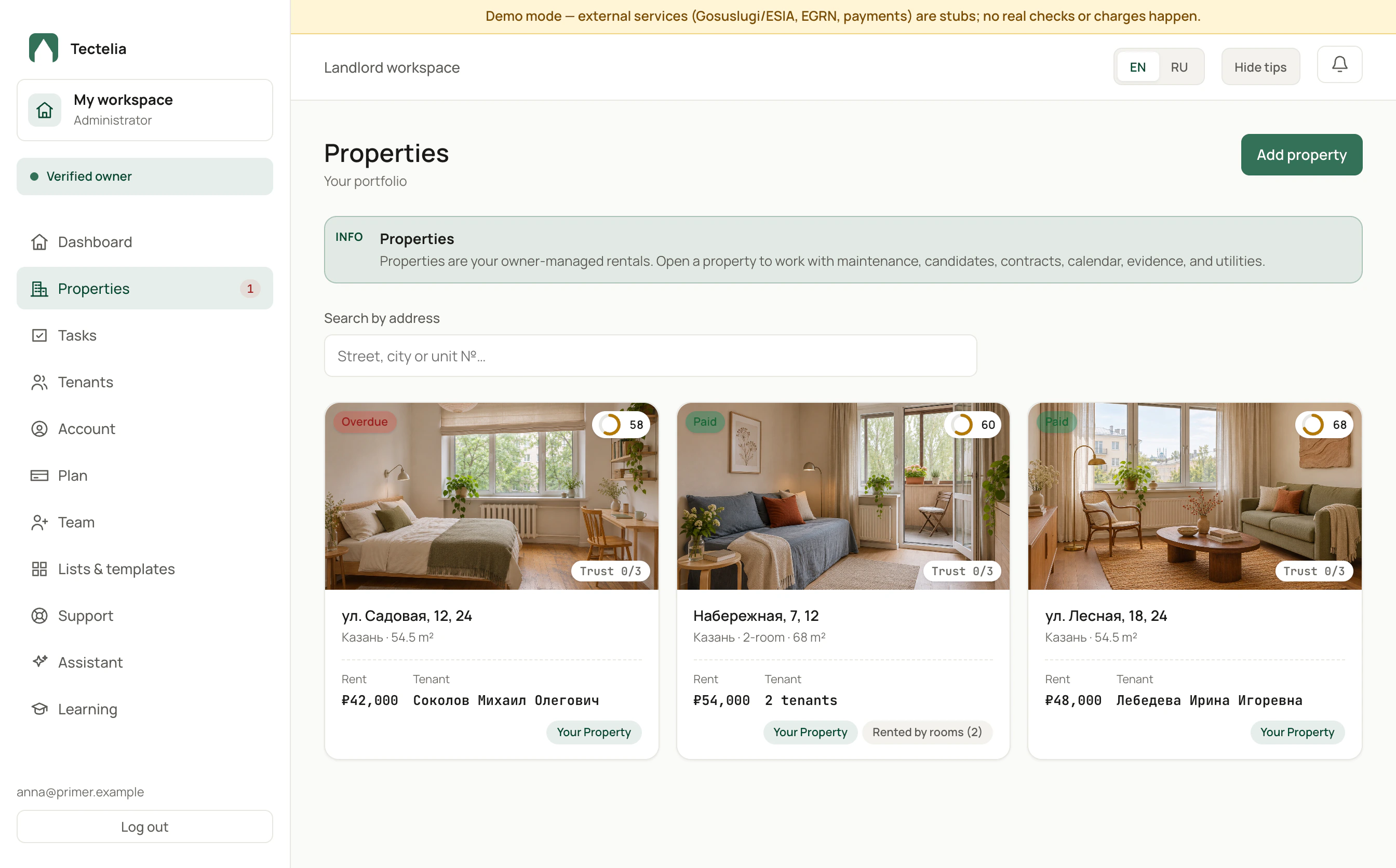
Find a property in your portfolio
Each card opens one property. Check the active workspace first if you manage rentals for several owners.
Main menu → Properties
Step by step
- Match the street, unit number and photograph. For a room rental, open its parent property first.
- Open the property. Use its overview for current work and the data tab for long-lived property details.
- If a property is missing, check the workspace and your access before creating another record.