ТектелияDocumentationSearchРусский
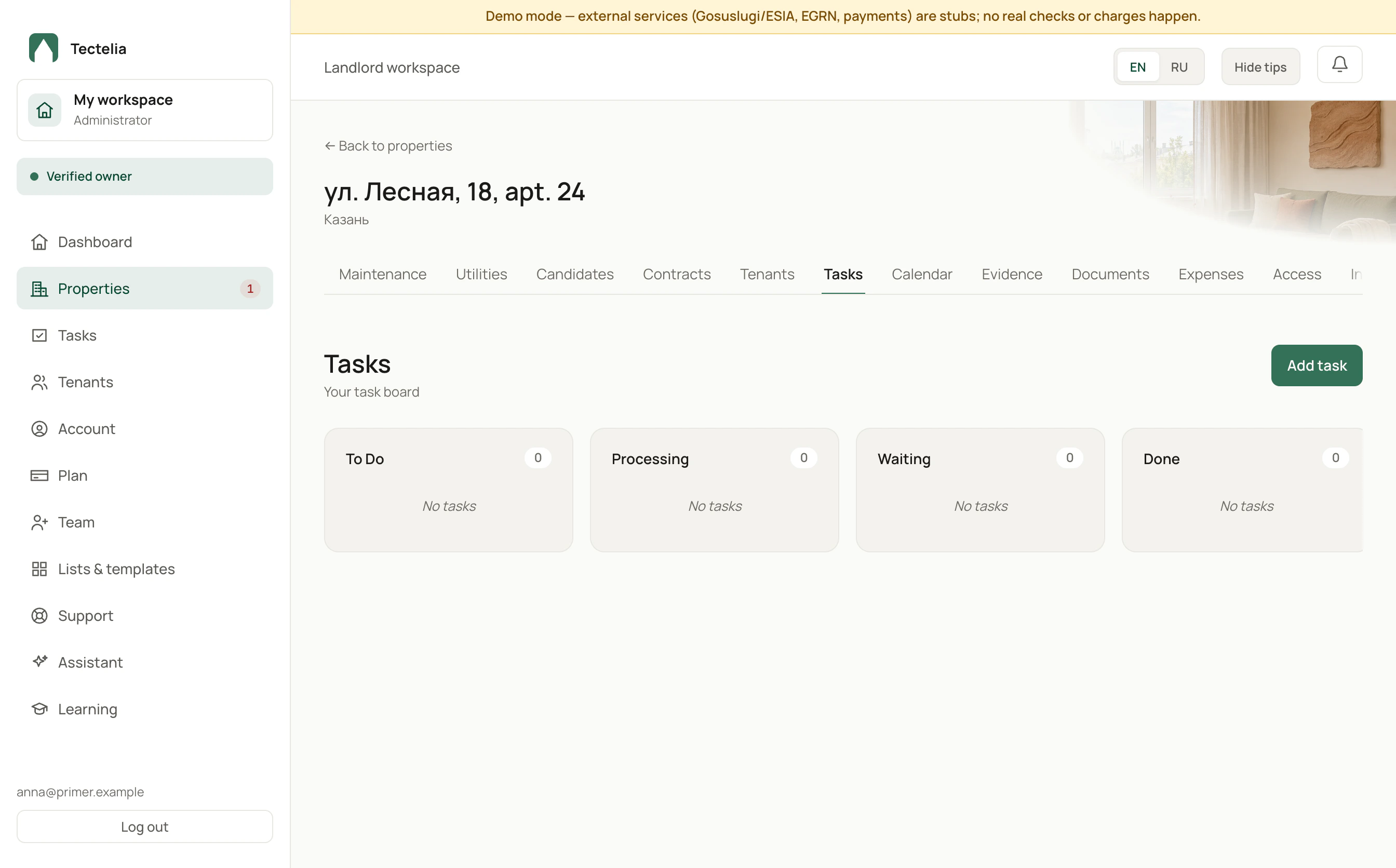
Follow tasks for one address
Use this scoped view before visiting a property to see the work that belongs to that address.
Property → Tasks
Step by step
- Check the address, find the task, then inspect its due date and status.
- Update the card after doing the work. Track a reported fault in its maintenance request as well.
- Return to the main task board to compare deadlines across properties.