ТектелияDocumentationSearchРусский
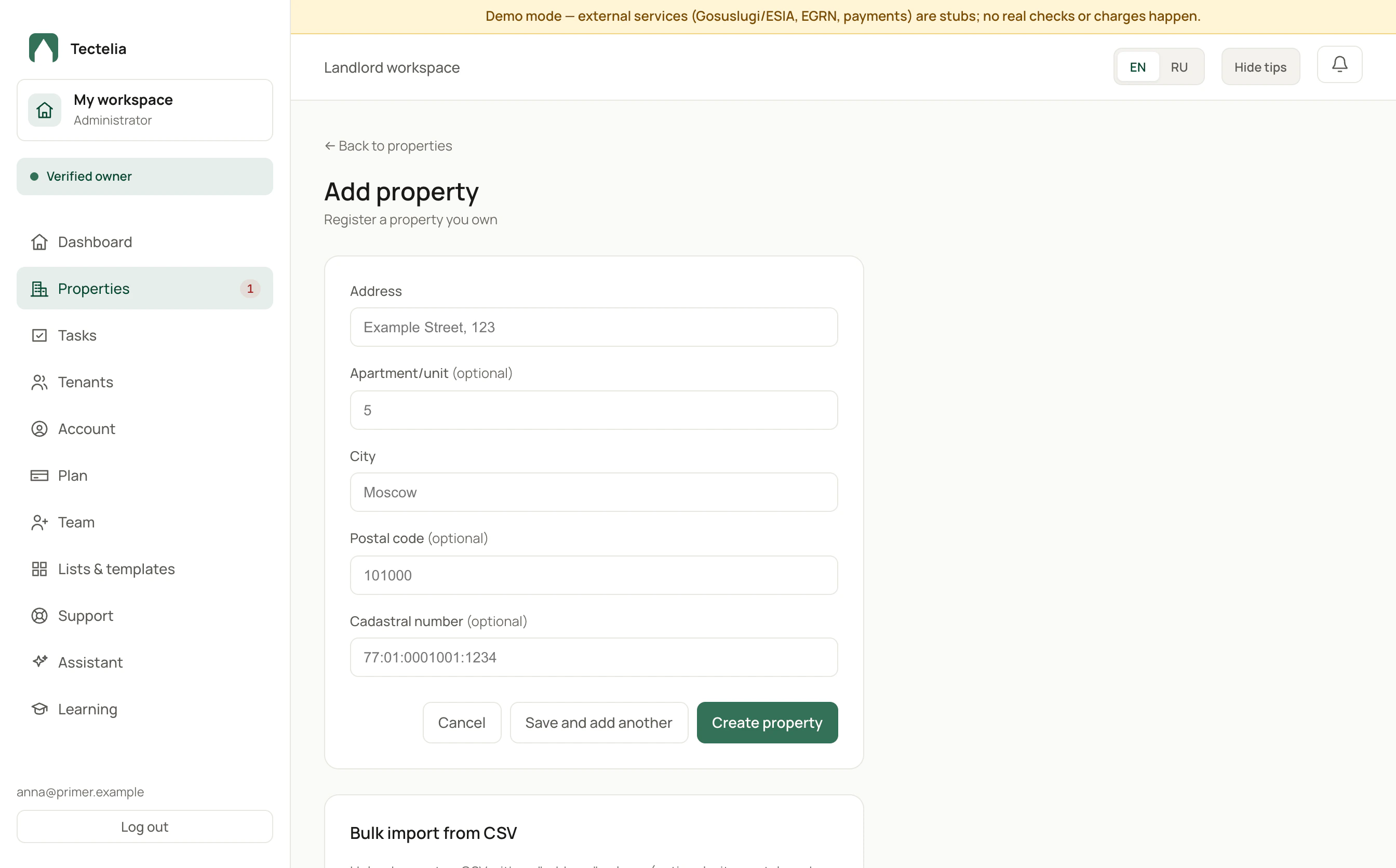
Add a property
Create one record per property. Rooms, contracts, costs and utility history are attached to it.
Properties → Add property
Step by step
- Enter the street address and unit number. Fill in the floor area and room count using the property's records.
- Enter the rental terms shown in the form. Check the rent and the deposit separately before saving.
- Open the new record and add photos. Set up individual rooms under Rooms if you let them separately.