ТектелияDocumentationSearchРусский
Sign a lease from your personal link
A personal invitation opens the agreement for the intended signer. Enter the confirmation code in your own signing flow.
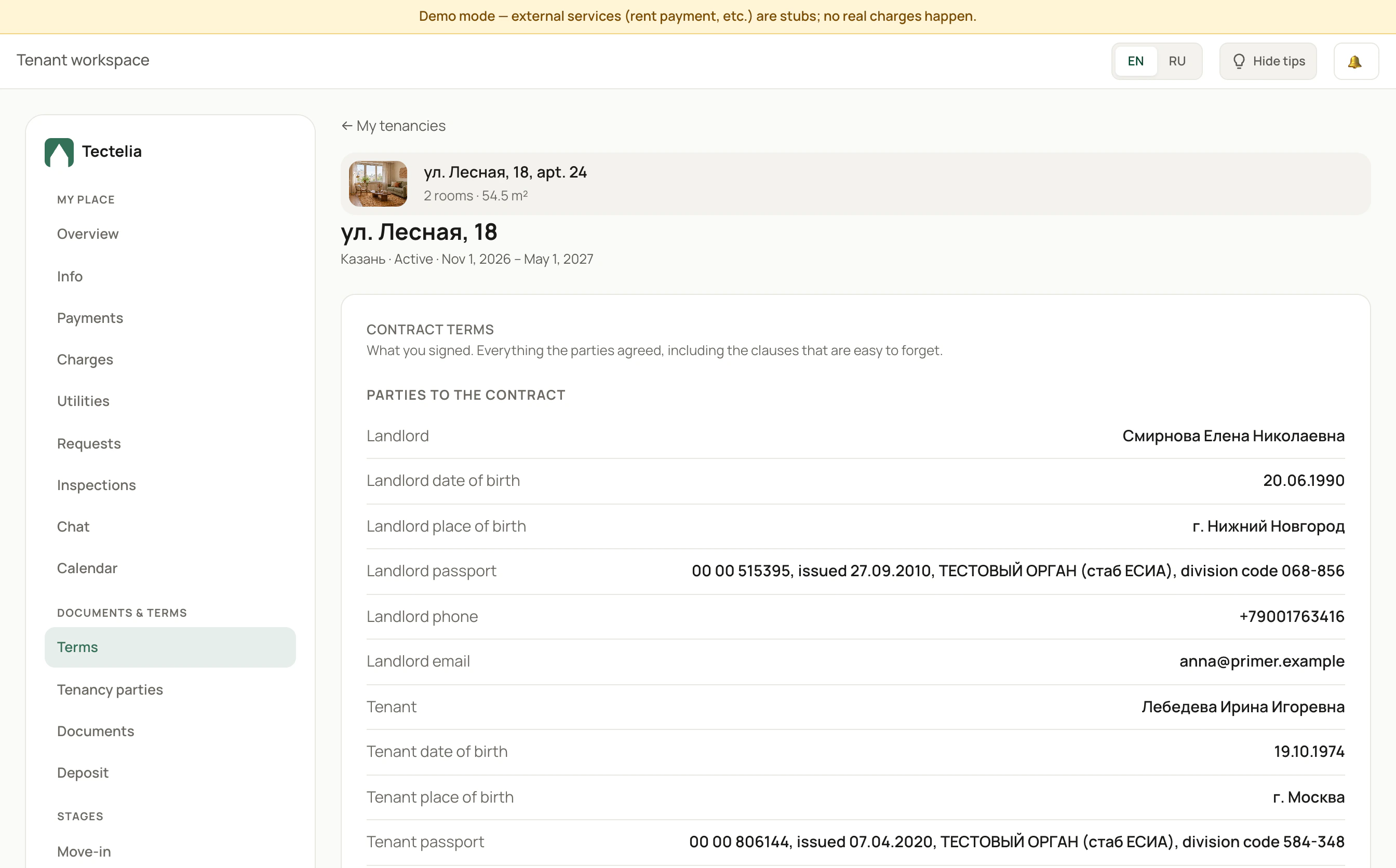
Personal signing link → resident portal
Step by step
- Open your link and verify both parties, the property or room, and the agreed term.
- Read the complete agreement and attachments. Contact the owner about corrections before confirming.
- Complete the confirmation shown on screen. Once the tenancy is active, open it to find the saved agreement.