ТектелияDocumentationSearchРусский
Message a resident
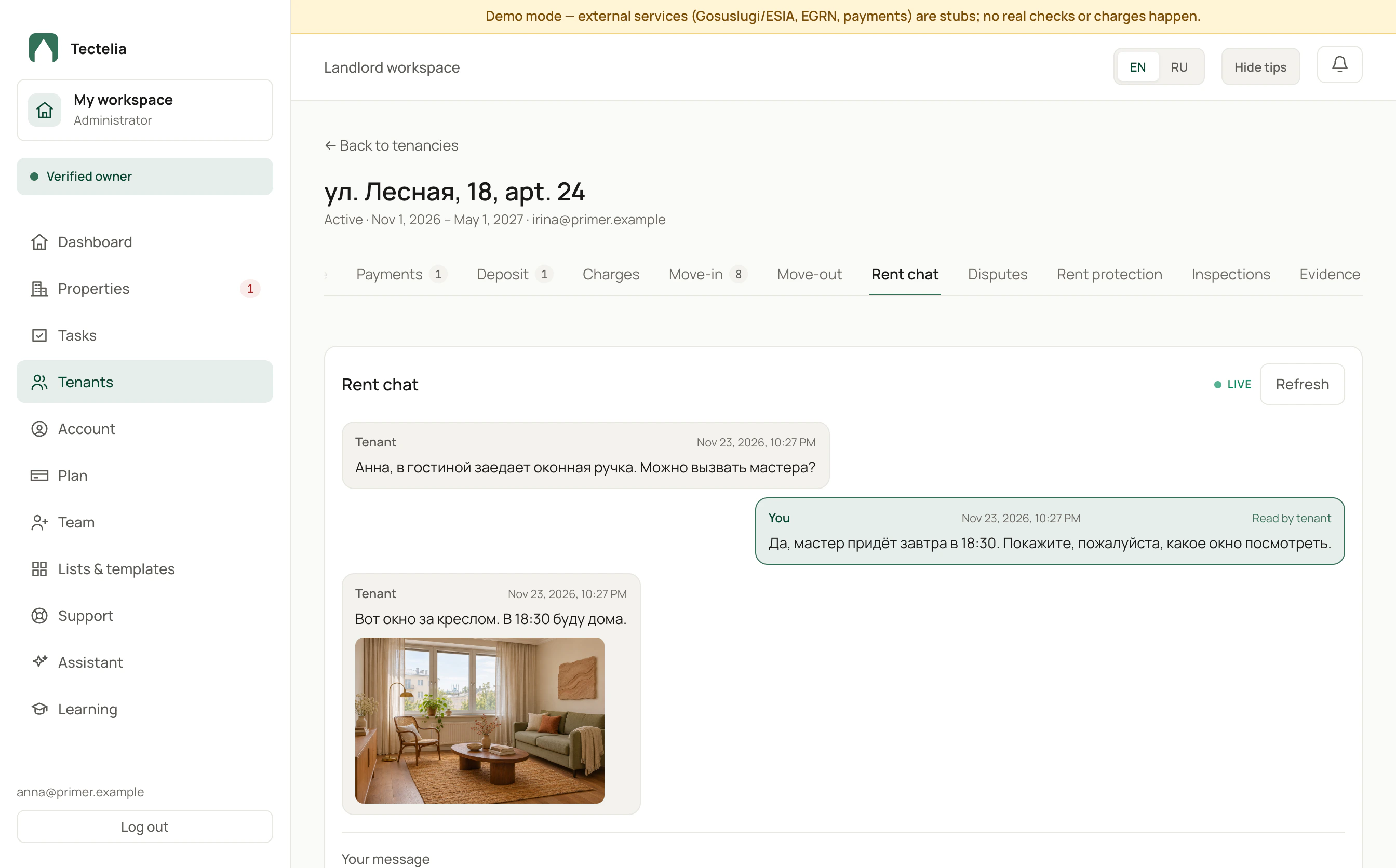
Both parties open the same tenancy conversation from their own portals. A visit arrangement or repair photo stays with the right rental history.
Residents → tenancy → Chat
Step by step
- Check the address and the recipient, particularly for room rentals.
- Write a message and attach a photo or file if needed. Open the attachment after sending to check it.
- Contact platform support for a platform issue. For work in the property, open a repair request so progress can be tracked.